Game Art Project: Update 03/05/2020

Since the last update ive been working on an number of different areas of my project.

Lighting

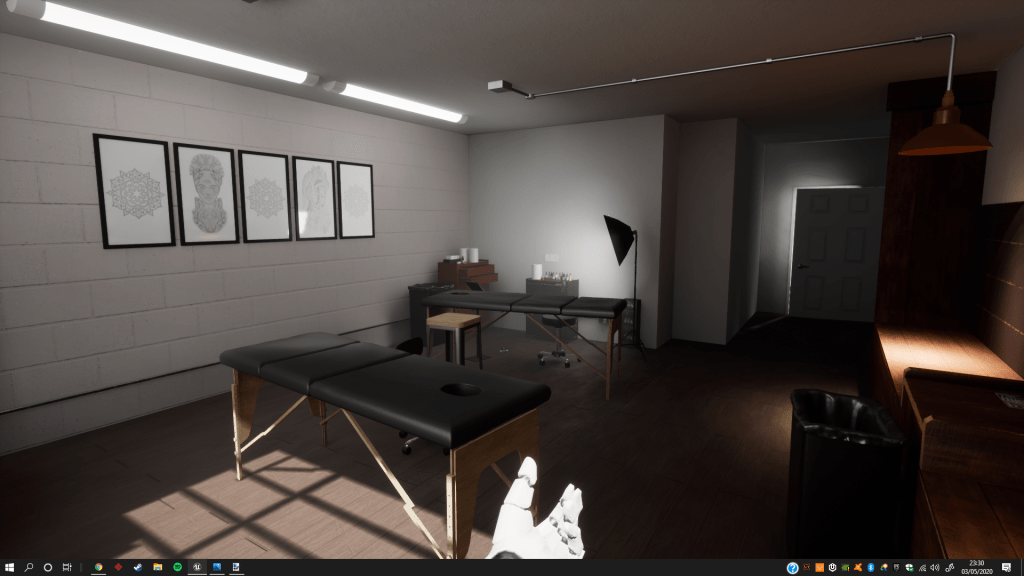
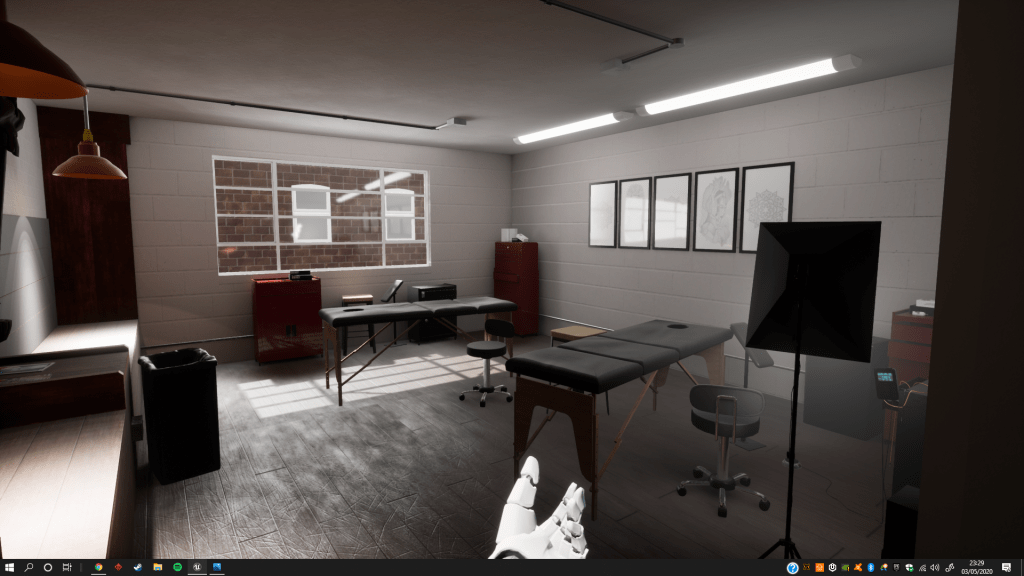
I received further feedback on my lighting with the main problem being that the scene was still too dark and that my shadows were not accurate. To improve my lighting I have implemented ‘Mesh Distance Fields’ to create dynamic soft area shadows. Doing so has increased my build times substantially, but the resulting light build is much more accurate.

I have also been looking into architectural visualisation with regards to lighting and have used techniques from videos on this to improve my lighting setup.
Polish

As the deadline for this project is in a week I have been compiling everything and getting it prepared for submission. Im going through my environment getting the last textures and assets in and tweaking existing content. I’ve been working on a flythrough video of my environment using the sequencer in UE4 to showcase my work.

WIP Environment Showcase

Plan

My plan is to continue adding in the final elements of my environment and get all my work ready for the deadline.

Any feedback is welcome!

Game Art Project: Update 28/04/2020

What happened to the development updates?

Development on the project slowed down considerably due to the situation with COVID-19. Closure of the University and therefore not having access to resources slowed progress massively. This along with personal struggles during this time resulted in motivation dropping, hence why I haven’t been updating this blog.

Current Progress

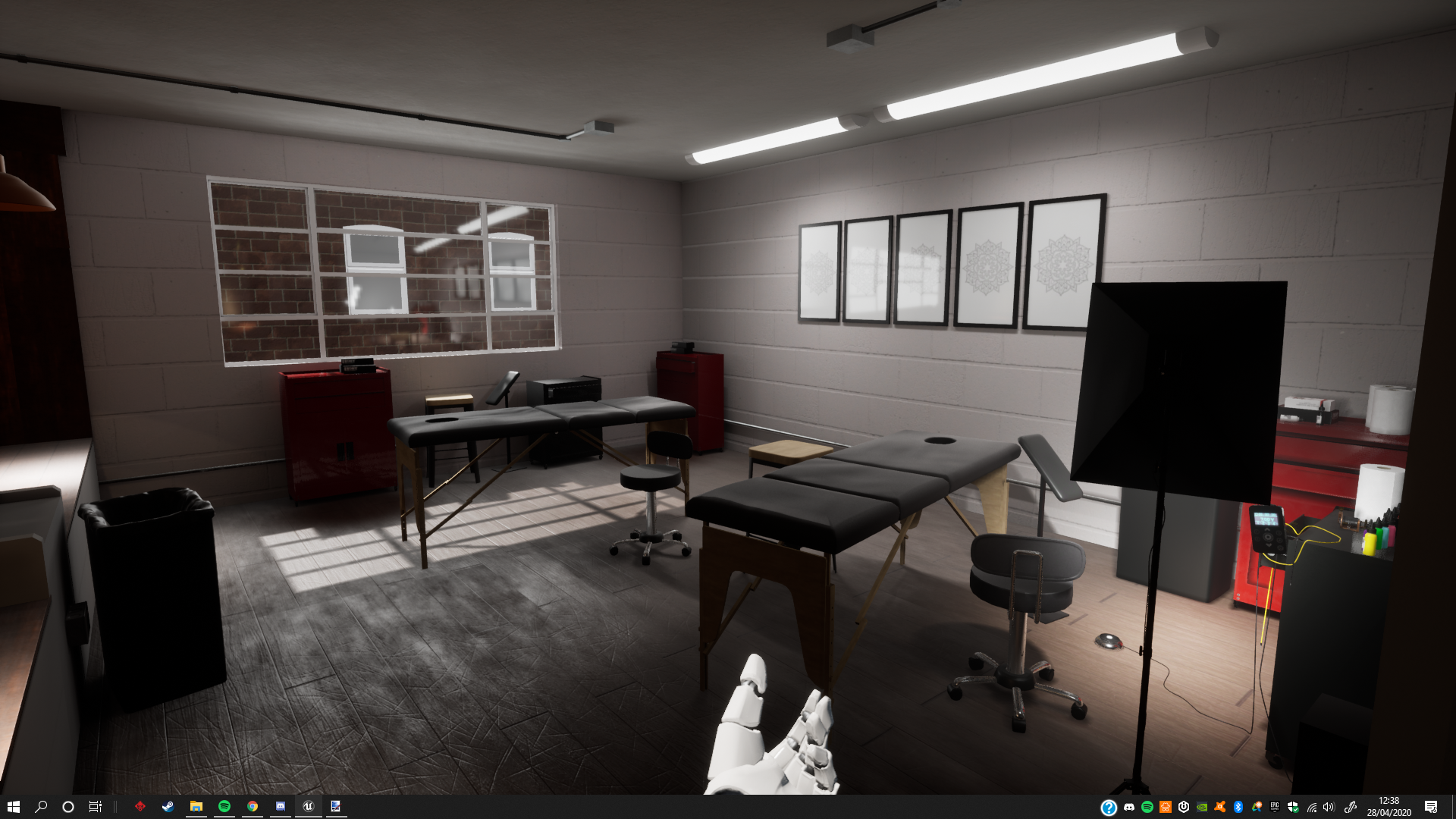
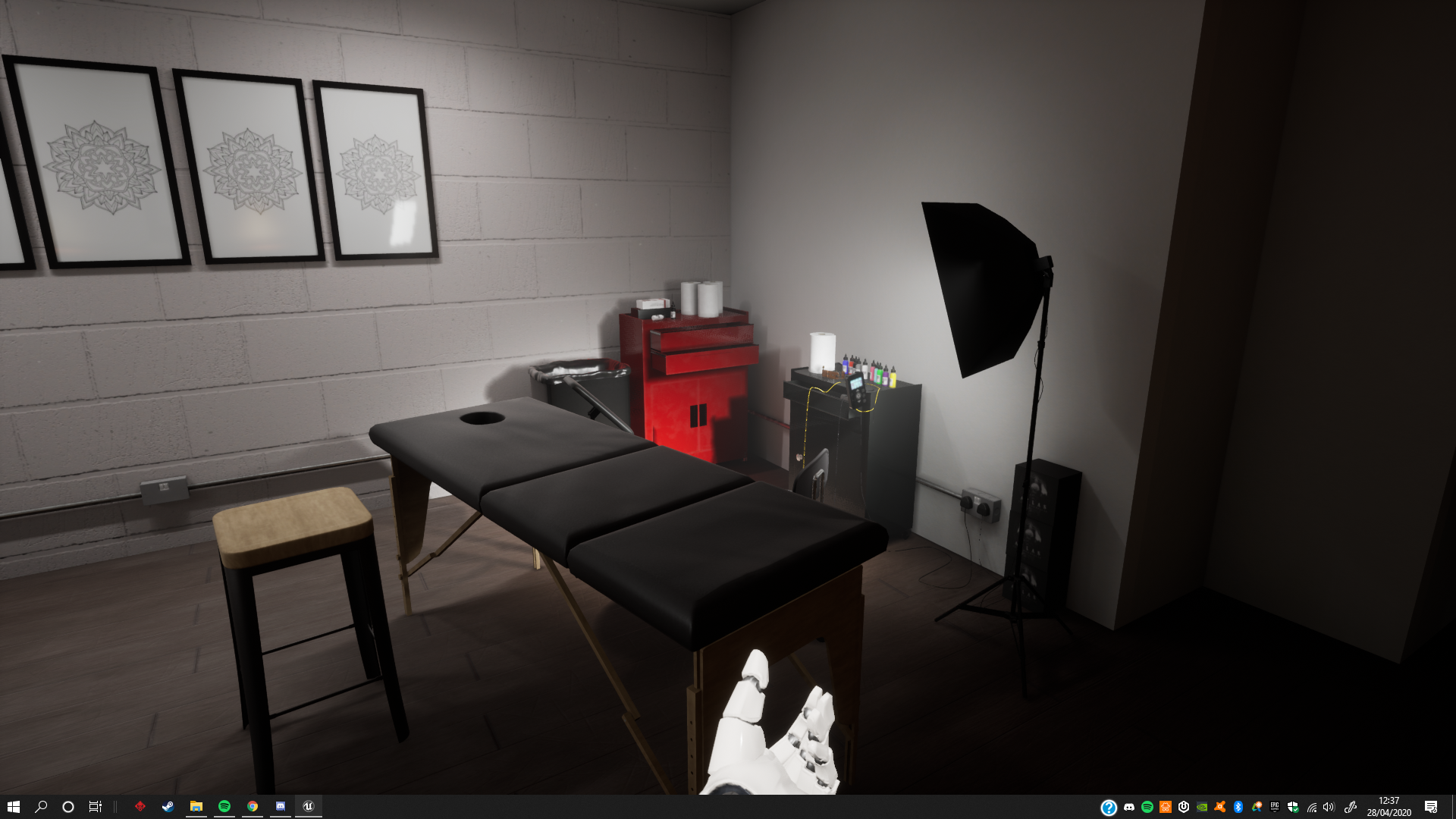
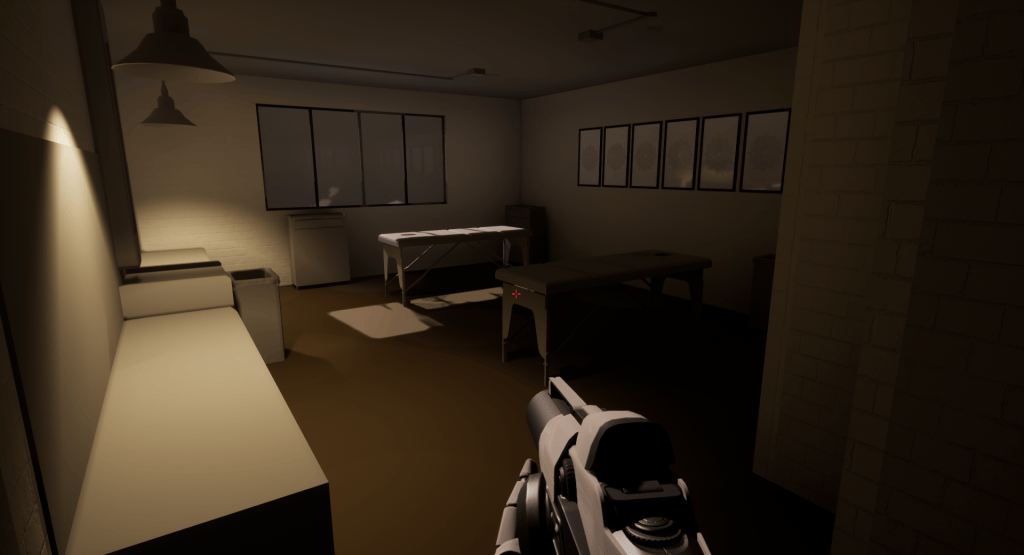
The screenshots below show the current state of my project on the 28/04/2020. The environment still needs work, but I am happy with the the current state its in.

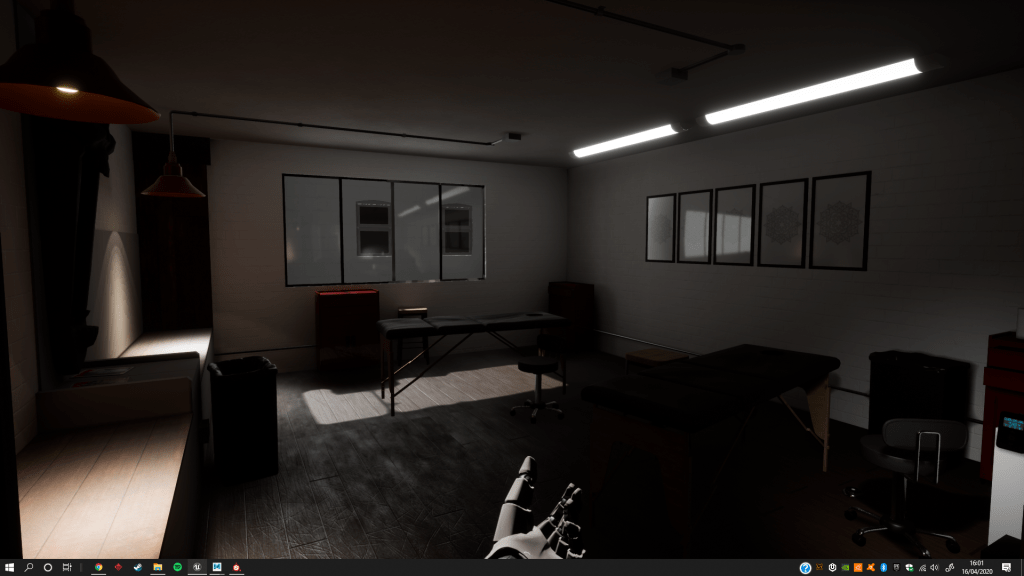
One of the things I’ve been working on has been the lighting. When getting feedback from tutors the main things being pointed out was that my scene was too dark and there were lighting artefacts. To fix these issues I increased the resolution of my lightmaps and either altered the intensity of my lights or added more lights into the scene. I have also used IES profiles to achieve more realistic lighting patterns. The screenshot below shows my project on the 16/04/2020. Lighting the scene correctly has had a huge visual impact.

Plan

The deadline for this project is soon so, Im going to focus on getting the last few assets and materials into the scene. Once all the assets are in Ill take a look at the composition and tweaking my lighting. Once this is done I will hopefully be ready to take the beauty shots and prepare for submission.

Game Art Project : Production (Week 7)

Progress

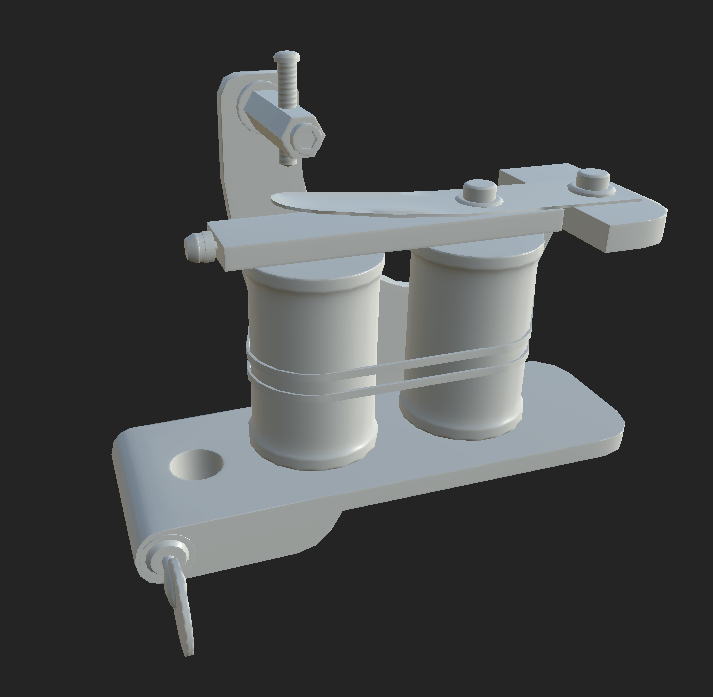
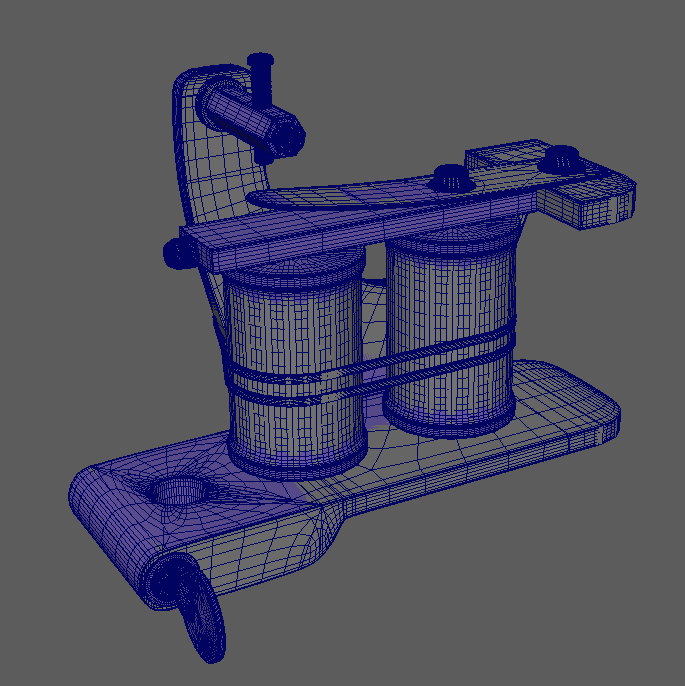
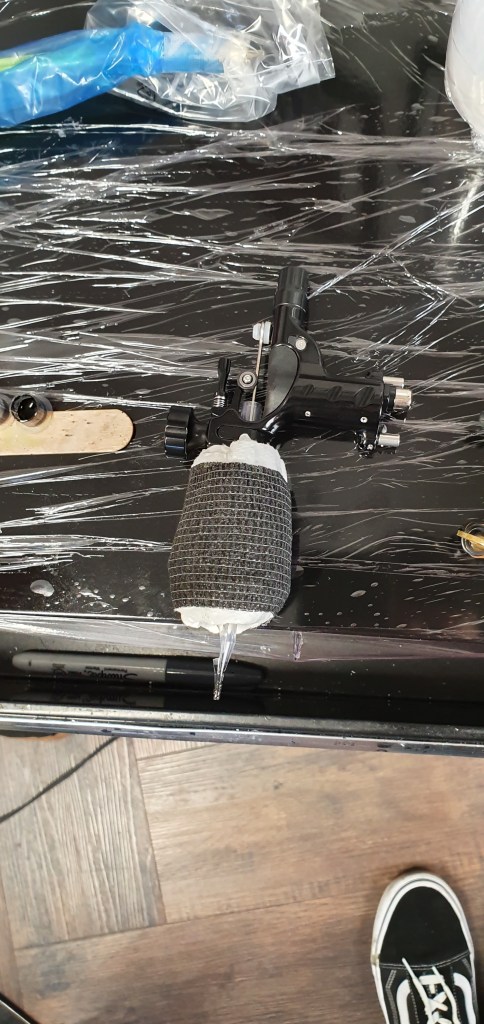
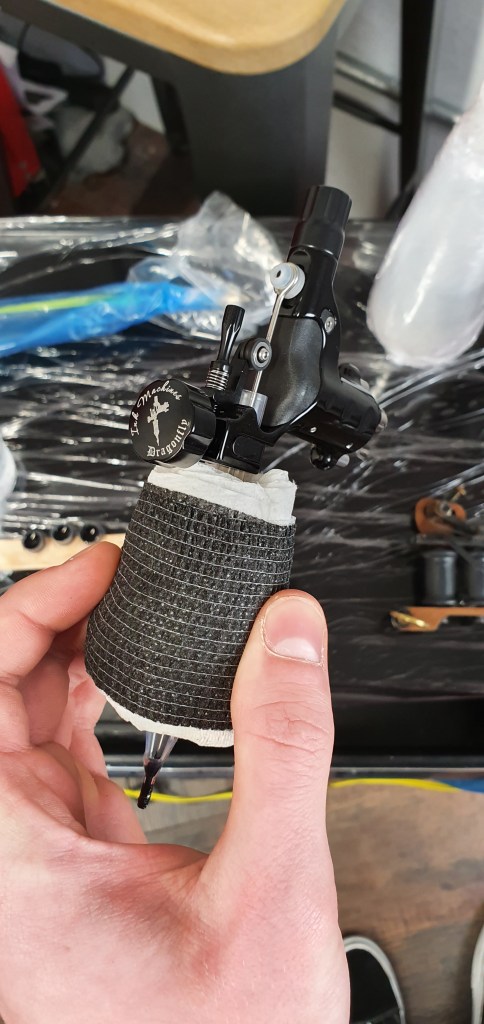
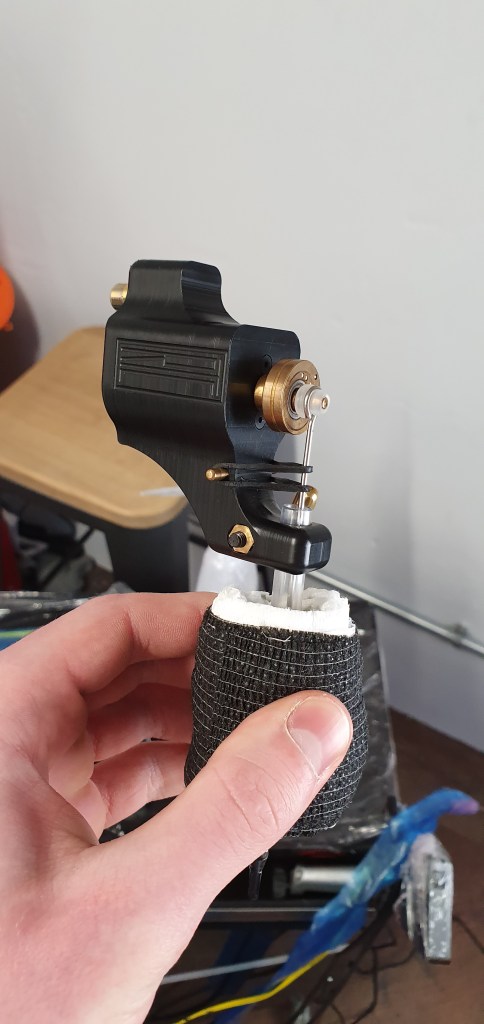
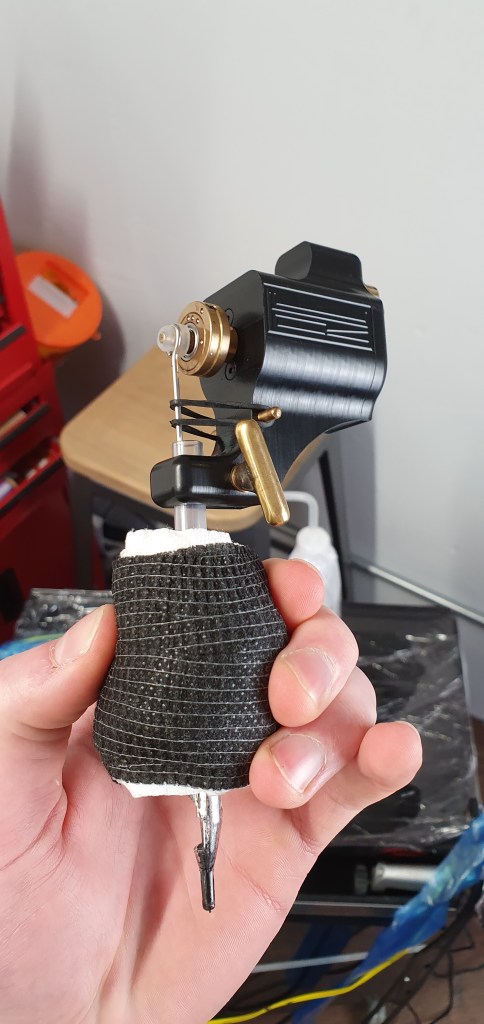
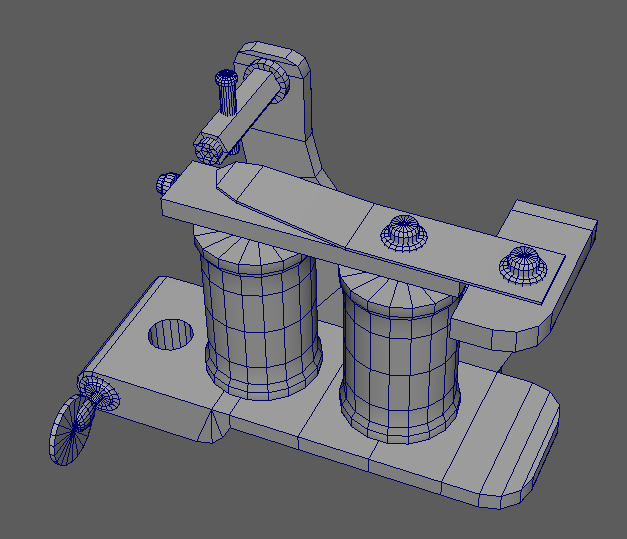
This week I continued to work on assets started last week. The first of these assets being the Coil Tattoo machine. This asset is now textured and in-engine as it is in a state where I am happy with it. It could still do with some adjustments of roughness values etc but I will do this once I have more assets in my scene.

Coil Machine

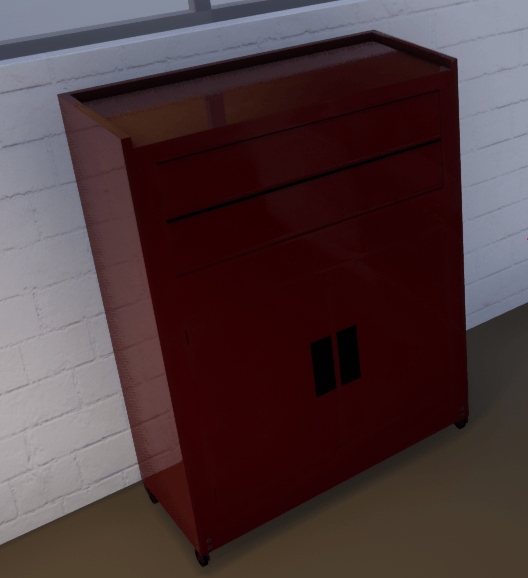
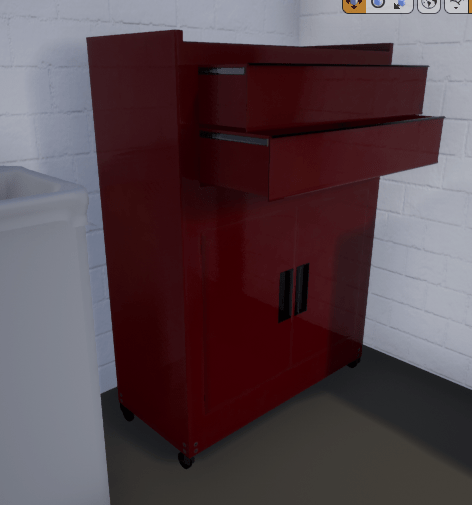
This week I also got the Tool Box asset textured and in-engine. I split the toolbox up so that the drawers are separate meaning there position can be edited in engine. Like the Coil Machine asset , the tool box will also be adjusted where necessary but more of my focus will be on completing other assets.

Sculpting

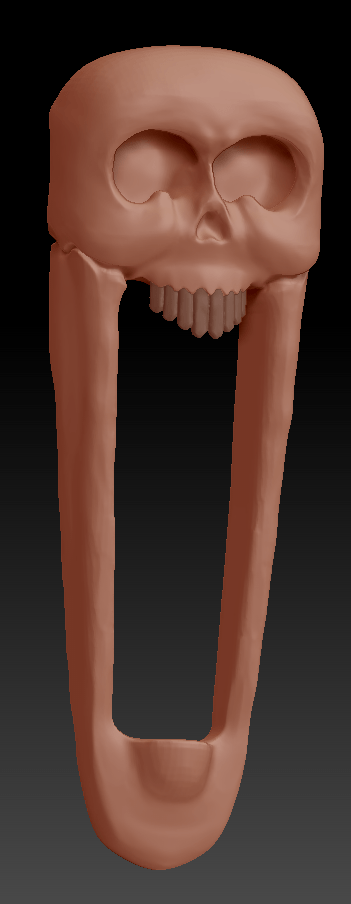
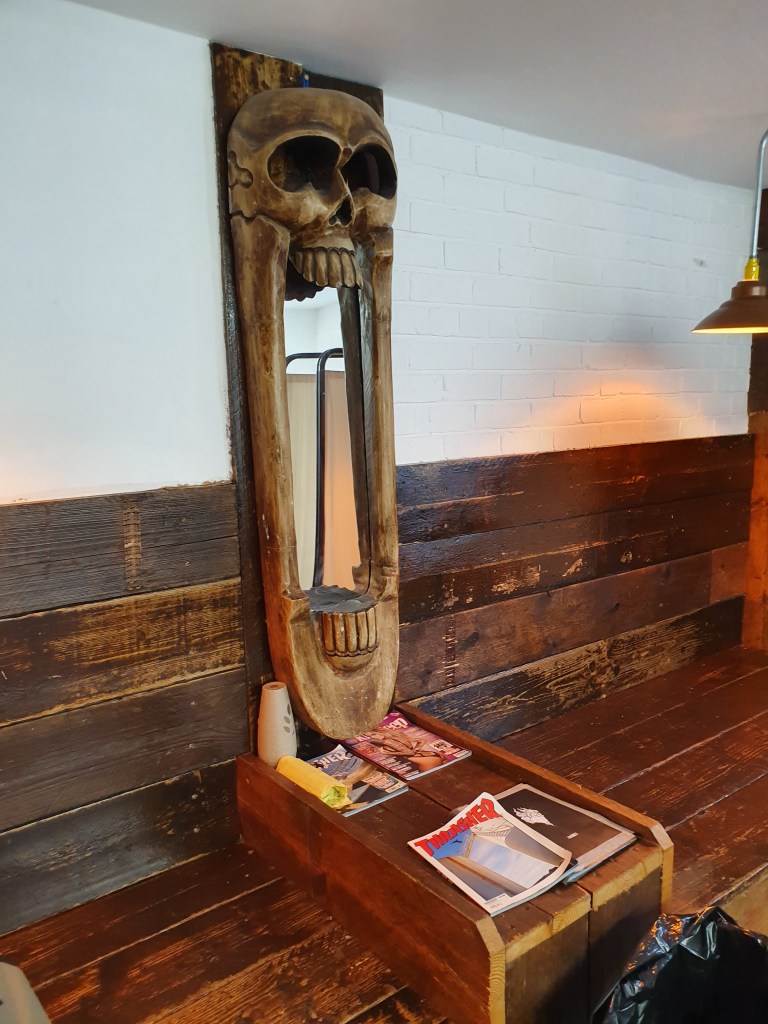
Skull Mirror Asset

I have began working on the Skull mirror asset. The image above shows the current state of the sculpt in Zbrush. The main silhouette and shape is there it just needs more tweaking and once I have the shape right ill start sculpting in the tertiary detail.

My aim is to have the skull mirror finished for next week.

Game Art Project : Production (Week 6)

Modelling

This past week I have just been continuing with modelling the assets required for my scene. The two assets I have been working on are the ‘Coil Tattoo machine’ and the ‘foot pedal’. The images below show the current state of the coil machine. Unfortunately this assets is till not finished due to external circumstances but also due to the fact Im trying to ensure the bake is as good as possible. This asset requires a little more modelling. The plan is to have this asset completed for next week.

The foot pedal asset shown in the image below is almost complete. It just need some texture refinements. I have been using both substance painter and Photoshop to texture assets as I have found that I cant do all texturing in Painter due to a lack of features which are available in Photoshop.

Foot Pedal

Game Art Project : Lighting (Week 5)

Lighting

Last week I started looking into lighting my environment. Lighting is an area Im not too confident in so to aid me in the process I watched some lighting videos on the Gnomon workshop. The videos covered how lighting works In UE4 and how each of the lights can be edited to give the desired effect.

I used what I learnt in these videos to make a first attempt at lighting my environment. The lighting still needs lots of work, I still need to add a Photography Softbox light in the corner off my scene to add some emphasis to the tattoo equipment .

First Lighting Pass

Materials

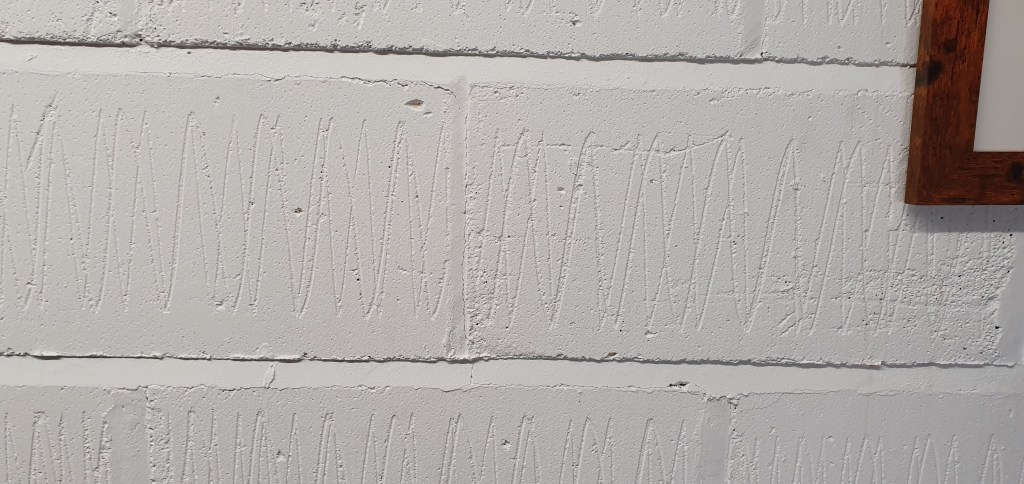
I also started looking into materials needed for my environment. Through research I have found that I am going to need three different materials for the walls and one material for the floor. The wall materials are; Plaster Board, Thermalite Brick and Regular Bricks. The floor material is just a Wooden Plank material. I initially was only going to have one material for the walls but through discussing with my tutor have now decided to use three as it will make the environment look more realistic.

I have made a start on the regular brick material and have implemented it into my project to get an idea of how it will look. The material still needs work but some progress has been made.

Painted Brick Material

Plan

The plan for the next week is to continue working on the Hero Assets and Materials needed for my environment.

Game Art Project : Production (Week 4)

Photos

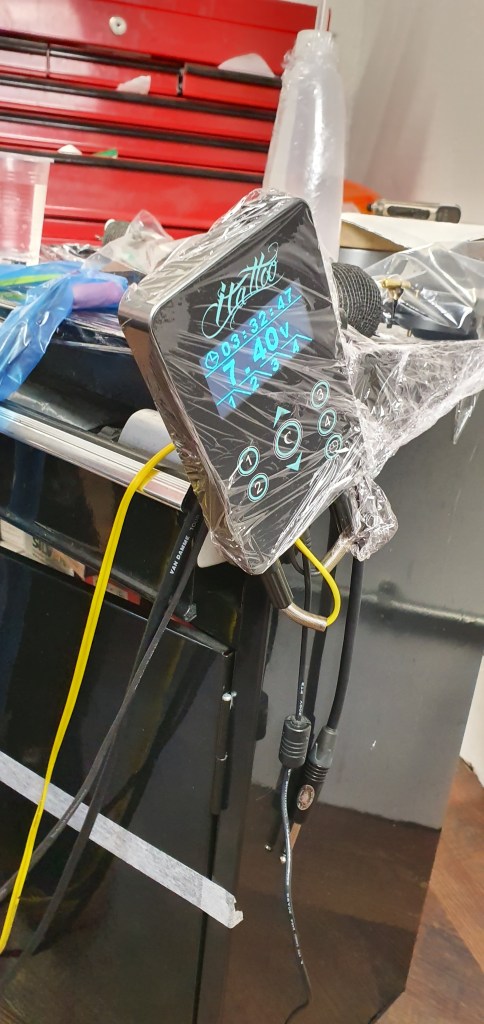
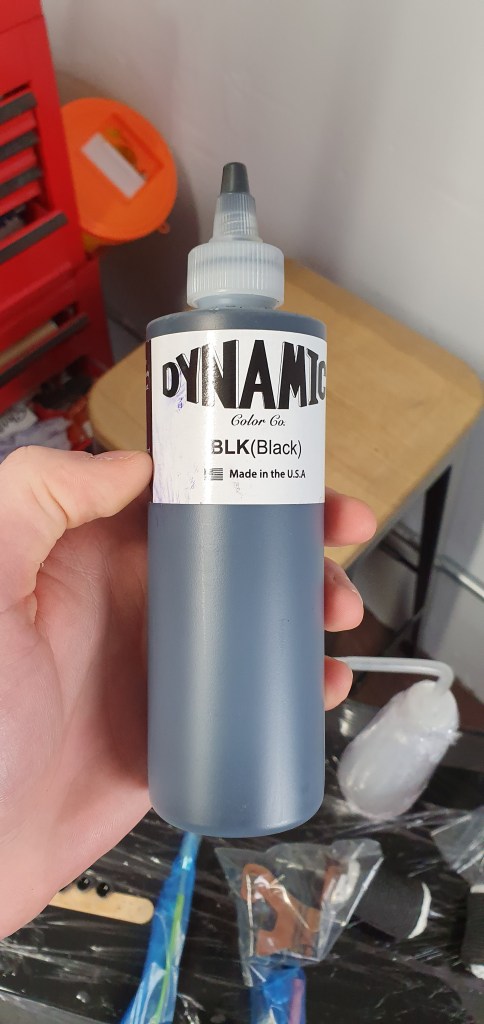
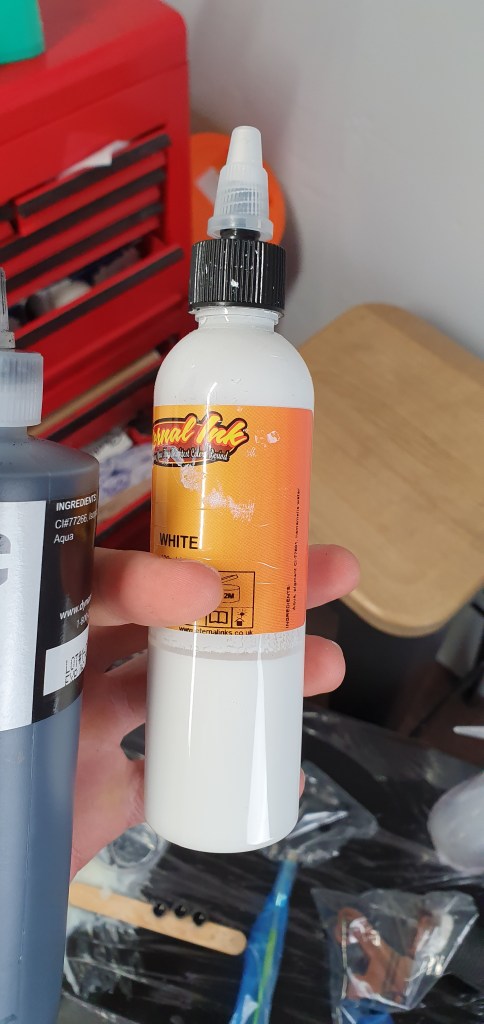
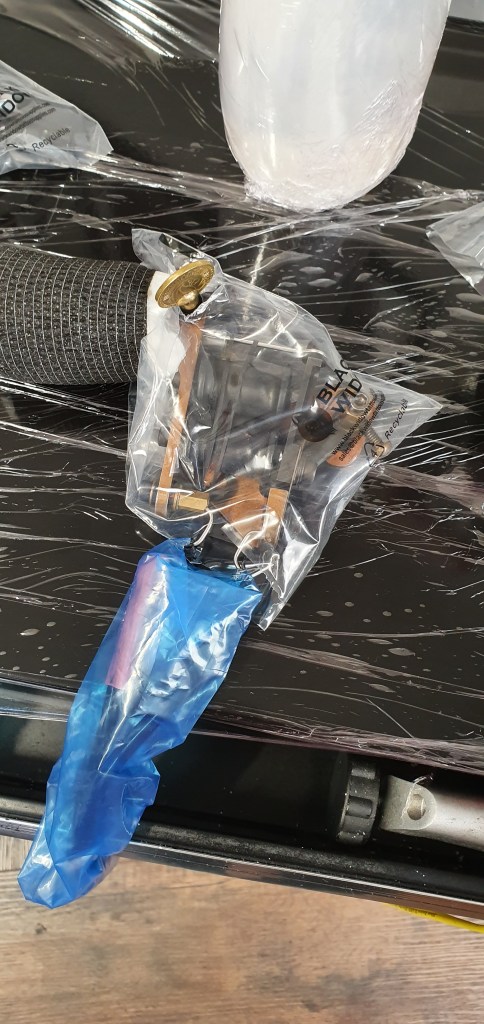
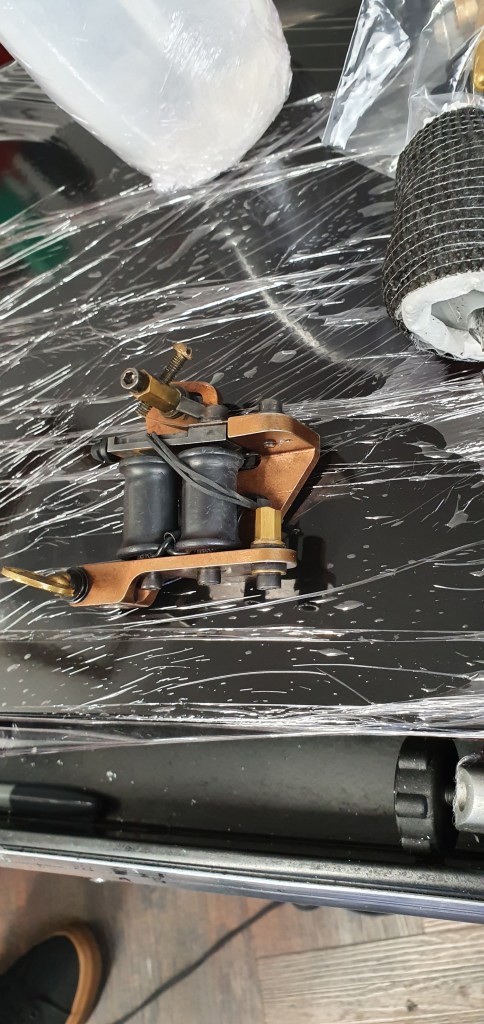
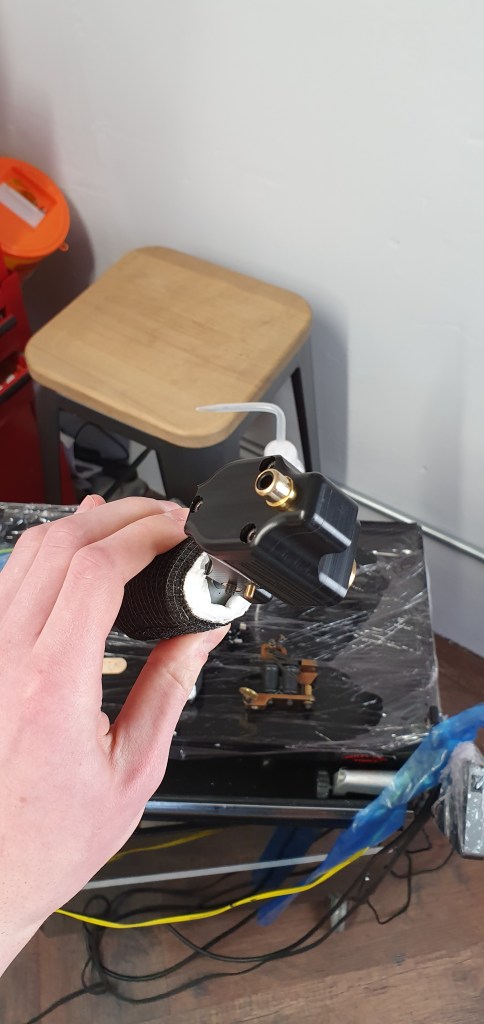
As mentioned in my previous post my plan was to visit the Skins and Needles tattoo studio to take some more photos as reference images. At the start of this past week I did so and took a number of useful photos. I also asked the artist how the tattoo machines work so that I can more accurately model them.

Modelling

This week I made vast amounts of progress with two assets for my environment. The tattoo machine power supply and ink bottles. I took these two assets through the entire production process to test the pipeline i’m using. Based on these two assets I can confirm that my pipeline works effectively. These two assets still need some final tweaking to get the roughness values to be correct but they are almost fully complete.

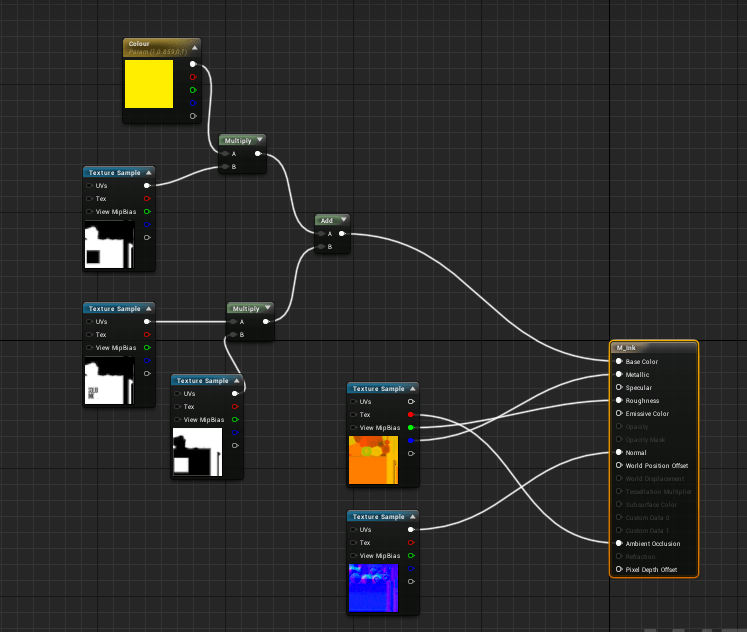
Ink Bottle Material Setup

With regards to the Ink bottle assets material I have decided to use a number of black and white masks so that the colour of the bottles can be edited in-engine without the need of new Base colour texture maps. Doing this makes changing the colour very easy and save lots of texture space.

I have also made a start on one of the tattoo machine assets. The images above show the current state of the ‘Coil Tattoo Machine’ asset. This assets still need a fair bit of work, but should be finished over the next few days.

Plan

My plan for the next week is to have all of the tattoo machine equipment at least in its low-poly stage and in engine. From this I can determine the best layout for all of the assets to create the most visual appeal.

Game Art Project : Production (Week 3)

Modelling

This week I have continued to model assets required for my environment. As I have been focusing on getting the ‘Hero Assets’ complete first the assets I have made some progress with are the ‘Massage Table’ and ‘Tool box’ assets.

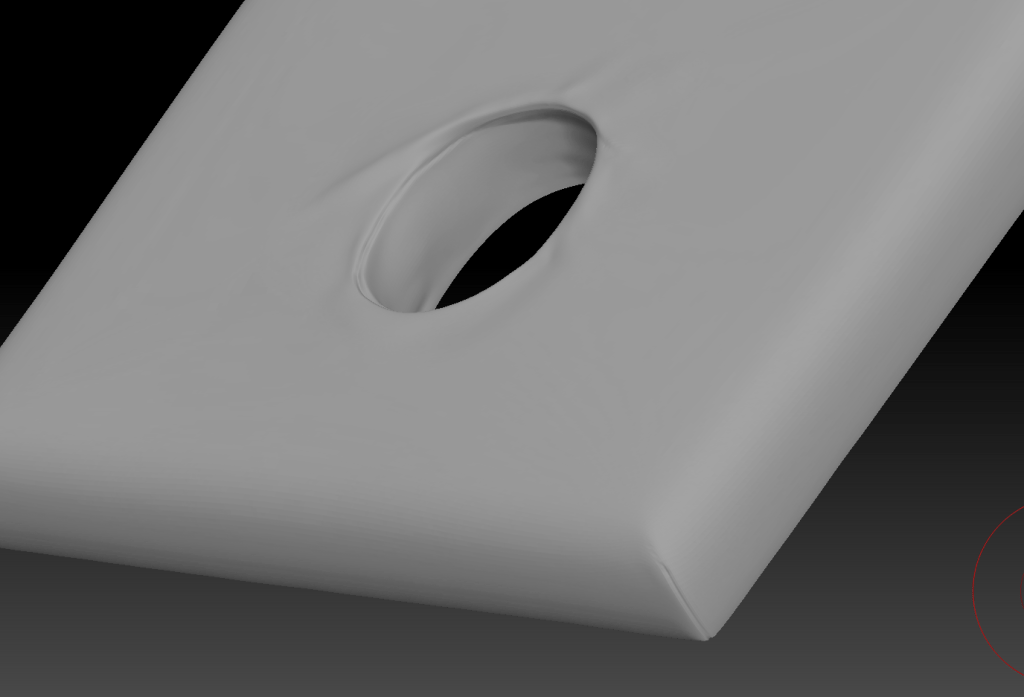
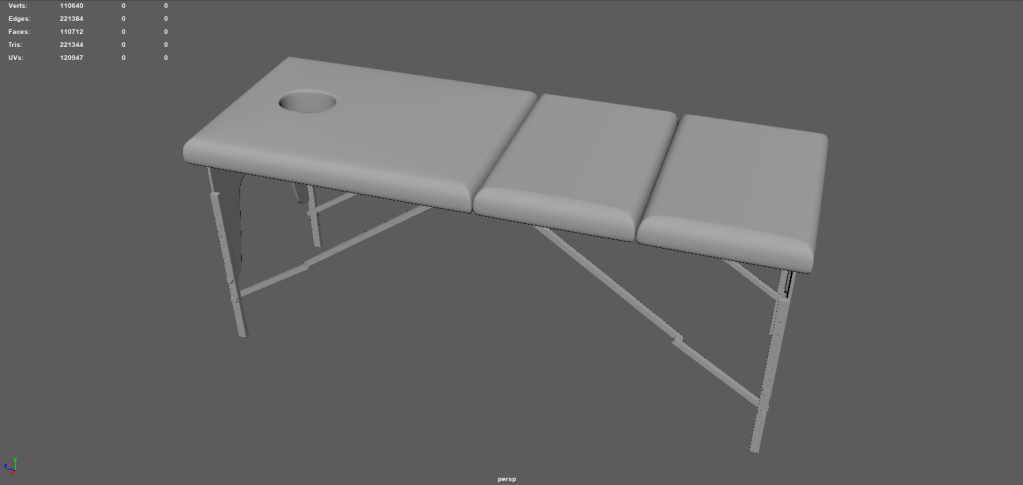
Zbrush Massage Table Sculpt WIP

Research

I have also done more research into the equipment used by tattoo artists in preparation for next week as I will be visiting the Skins and Needles Studio again in order to take more reference photos and will also be talking to an artist there in order to gain a better understanding of how all the equipment works. By having this knowledge I will be able to more effectively model the assets to a realistic standard.

Progress Review

Unfortunately I have not made much progress at all this week with my environment. This is mainly due to an external family issue which meant I lost a few days of production time. I will have to make up for these lost days over the next week or two to ensure I can complete my environment in time.

Plan

My plan for next week is to collect more reference images when I visit the tattoo studio and begin working on the main focus of my environment which will be the ‘Tattoo equipment Setup’ as this will be crucial for portraying the premise of my environment.

Game Art Project : Start of Production (Week 2)

Blockout

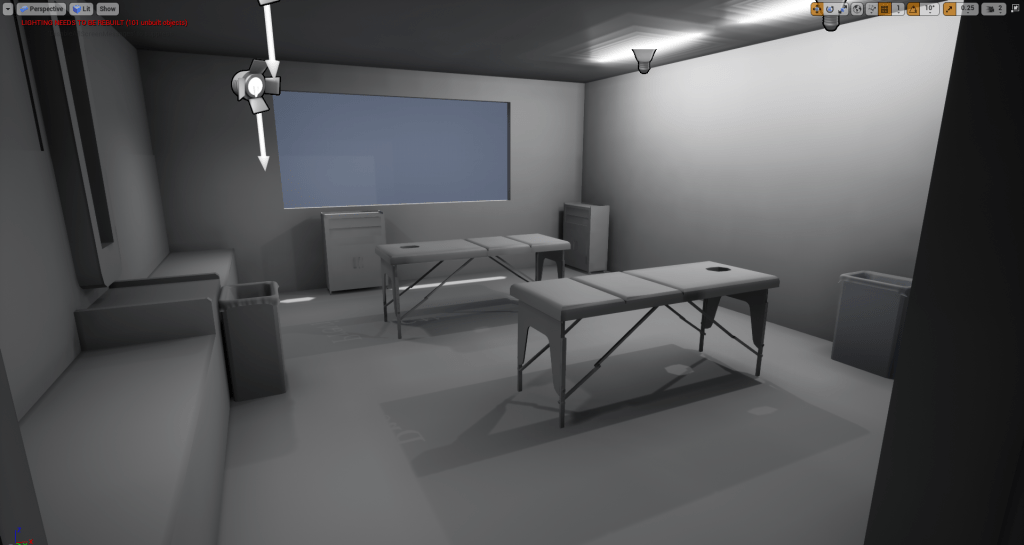
This week I have began the initial steps of production for my environment. This started with me producing a basic blockout of my environment in Unreal Engine. I also placed some placeholder lighting into the scene to get an idea of how the environment could look when lit. I based the lighting off of the reference photos I took.

Unreal Engine Blockout

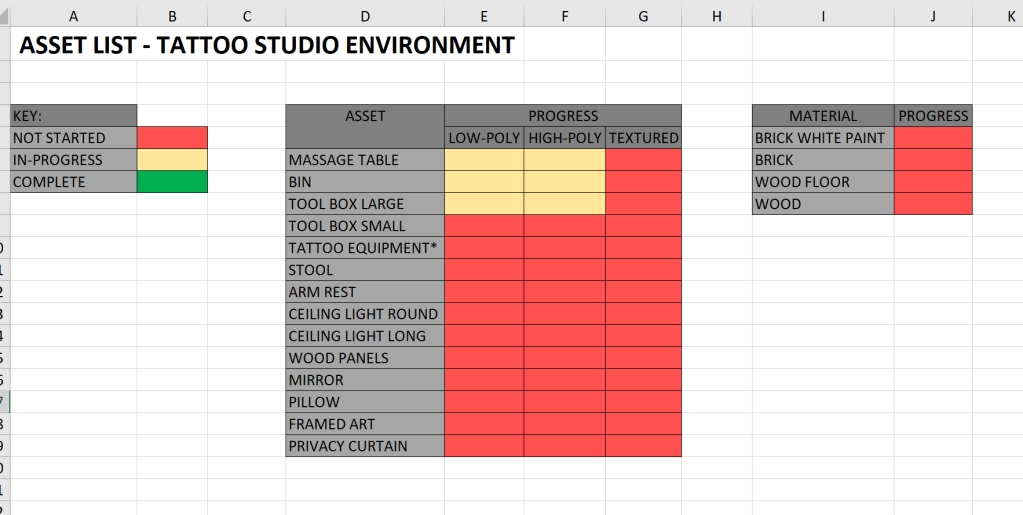
Asset List

This past week I have also started an asset list to help me plan and manage my work throughout the project. I will continue to update the list when I think of other assets to add to my environment.

Modelling

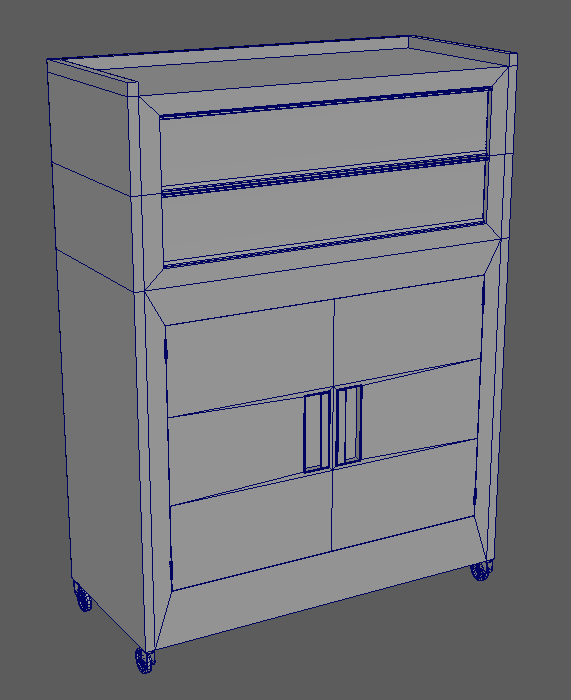
This past week I also began modelling some of the assets required for my environment. The two assets I have made progress with are the ‘Tool Box’ and ‘Bin’. In order to get the dimensions right for the tool box I looked online for any sellers off the box that also included the dimensions. Unfortunately I was not able to find the exact tool box that is shown in my reference images but was able to find one extremely similar so used the dimensions off that one instead.

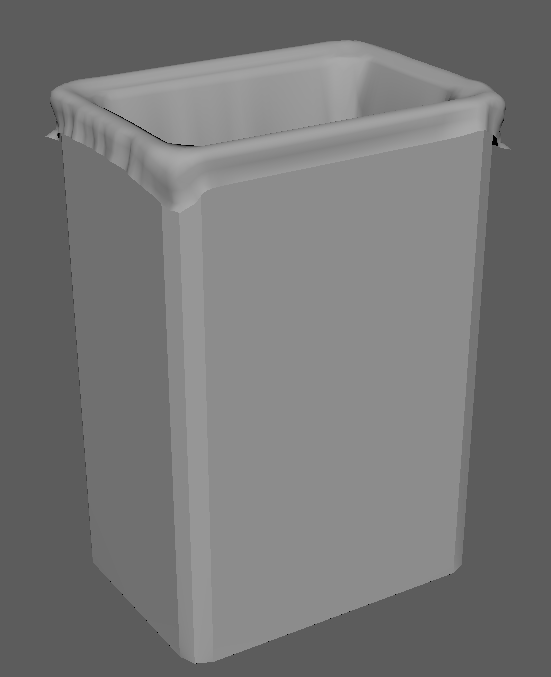
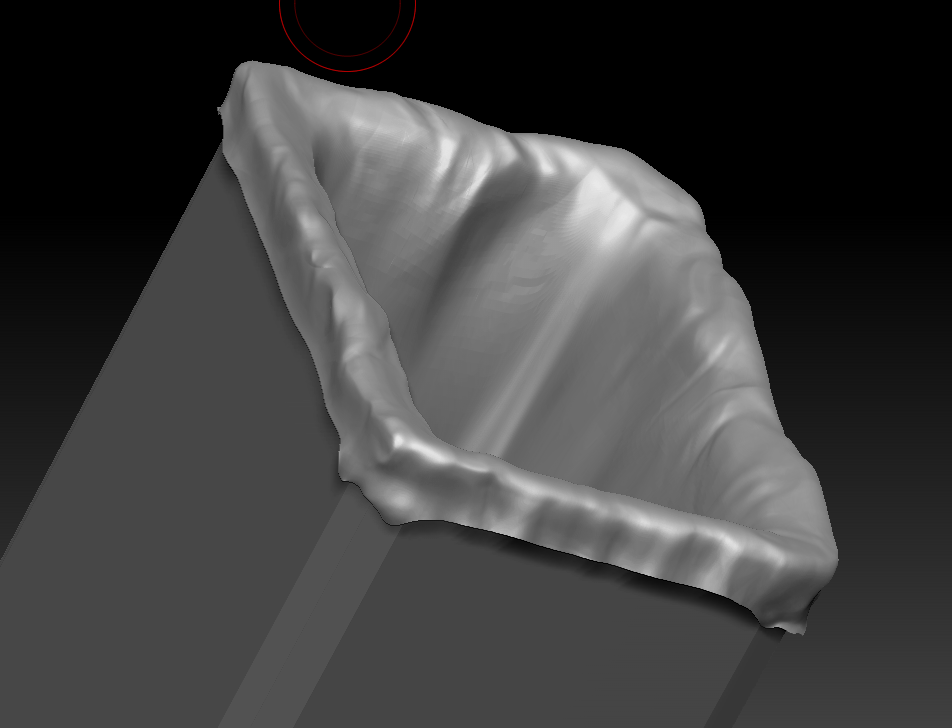
In preparation for modelling the bin liner I had done research into ncloth in Maya. I used ncloth to create a basic version of the liner which I then further refined using Zbrush. The reason I used ncloth was to try and get a realistic simulation of where the folds and creases would appear. Unfortunately there was no base preset identical to that of a bin liner, so instead I used the t-shirt preset.

Zbrush Sculpting

I took the bin liner mesh from Maya into Zbrush and started sculpting in more realistic folds and creases. Further work is needed before the sculpting is finished.

Game Art Project : Pre-production (Week 1)

Introduction

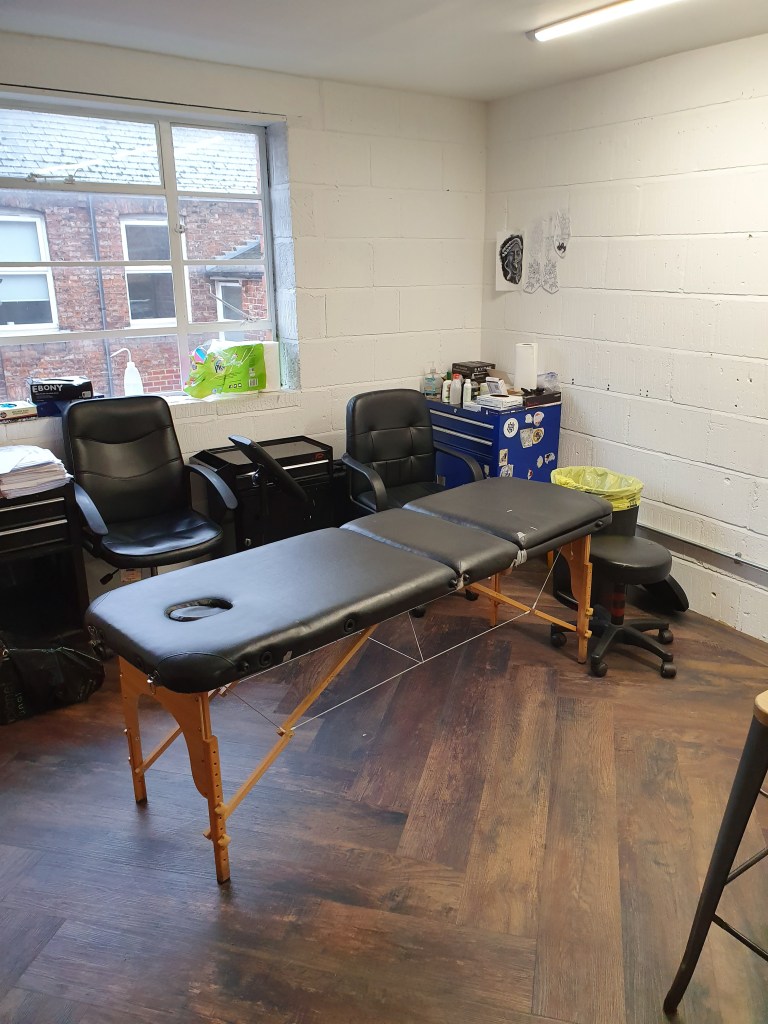
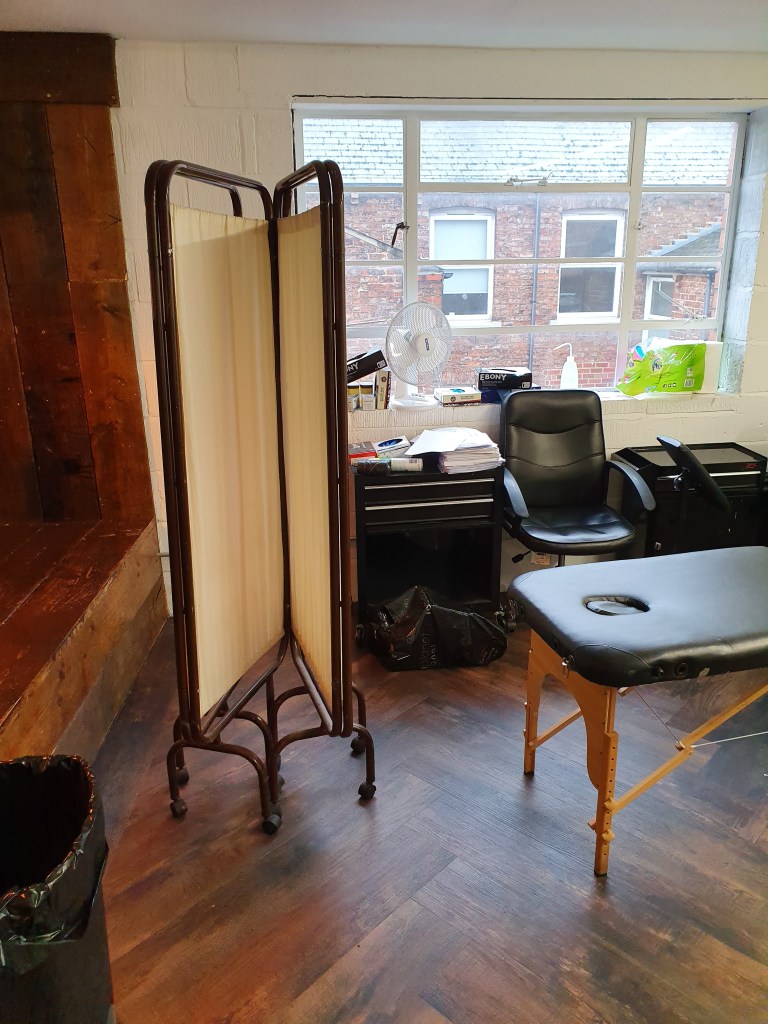
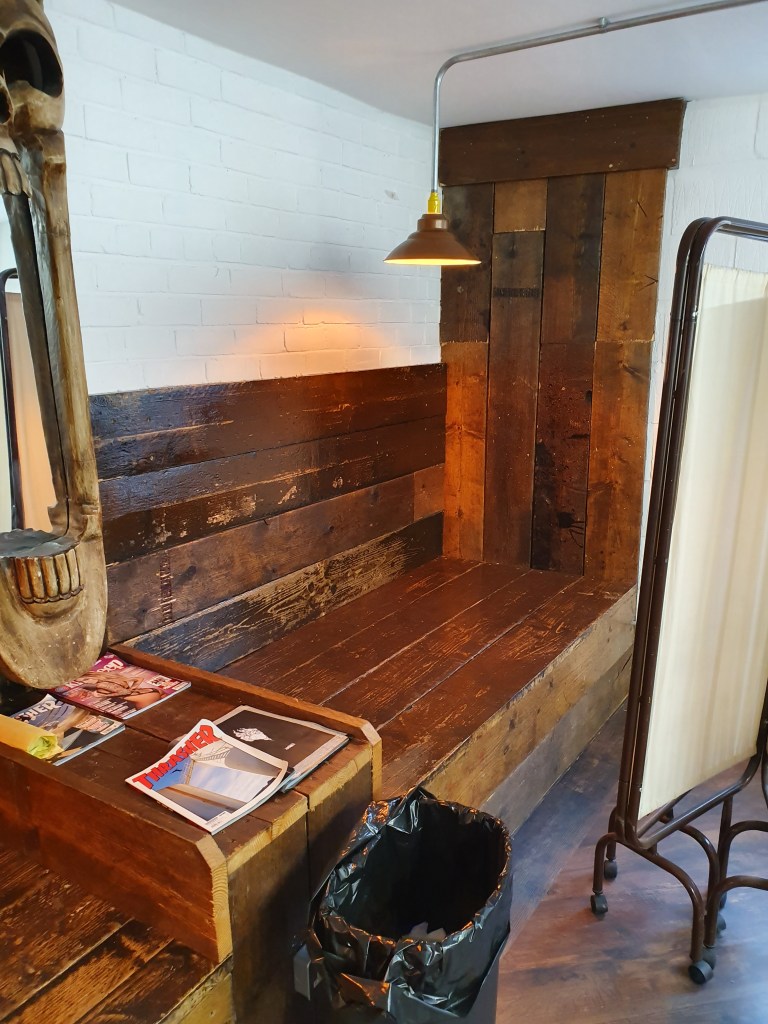
This week marked the start of the Games Art Project. For this project my aim is to produce a game ready environment completed to a professional standard. My environment will be that of a tattoo studio which will feature all of the necessary equipment required by tattoo artists

I have mainly been researching and collating resources that I may need over the course of this project. This includes reviewing literature, collecting reference imagery and project planning.

Reference Images

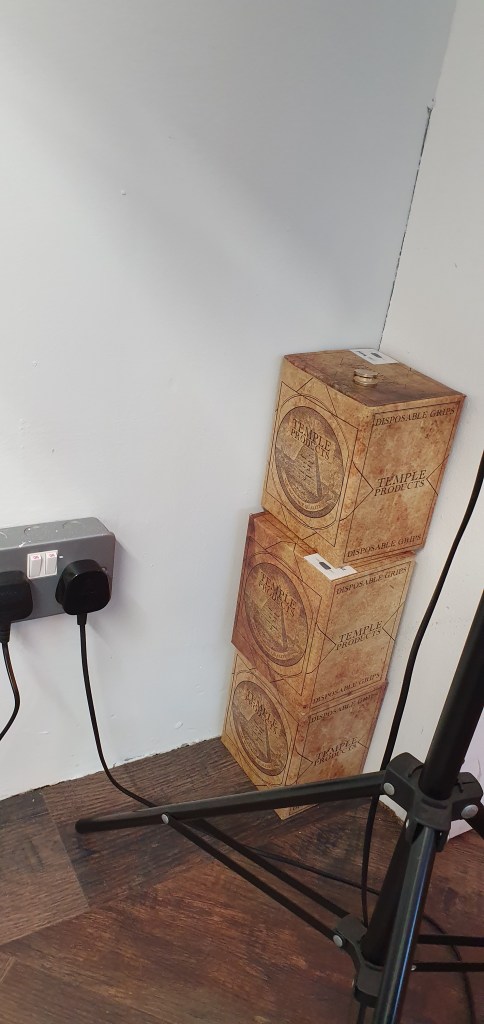
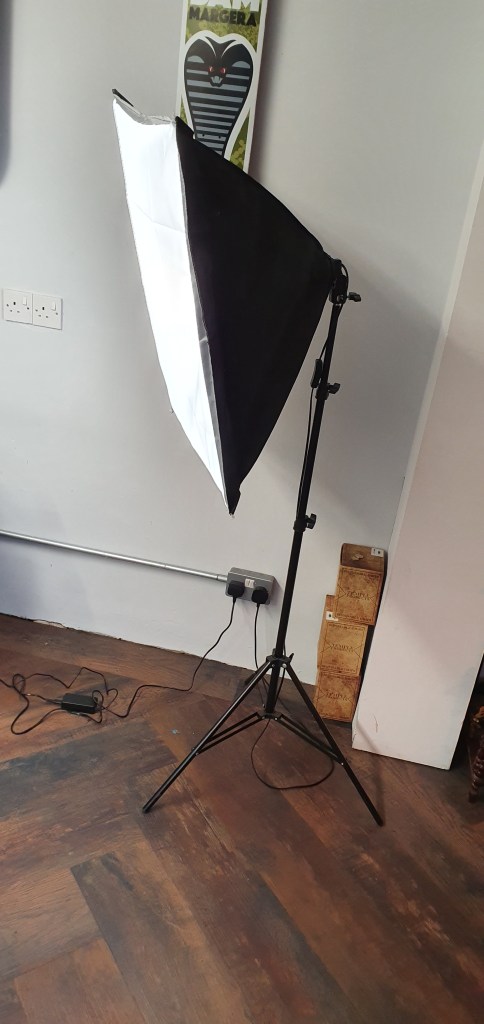
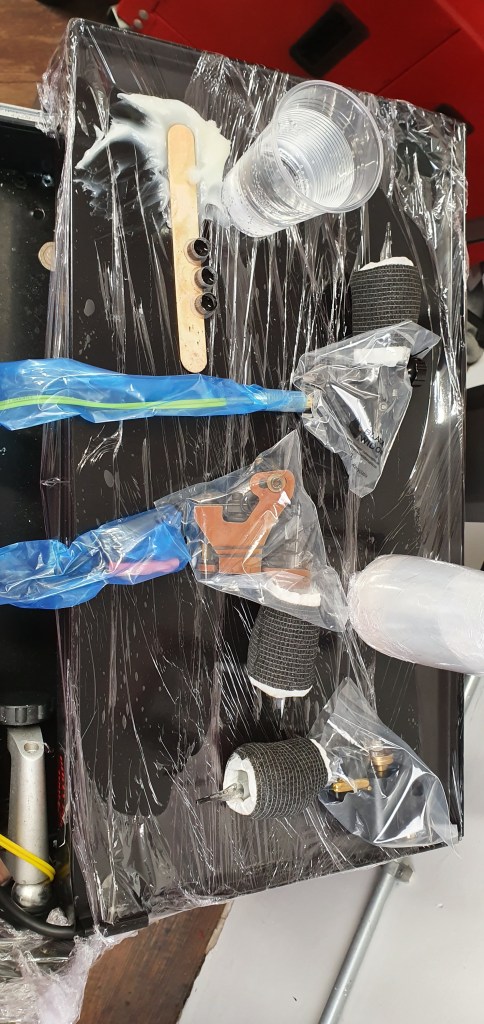
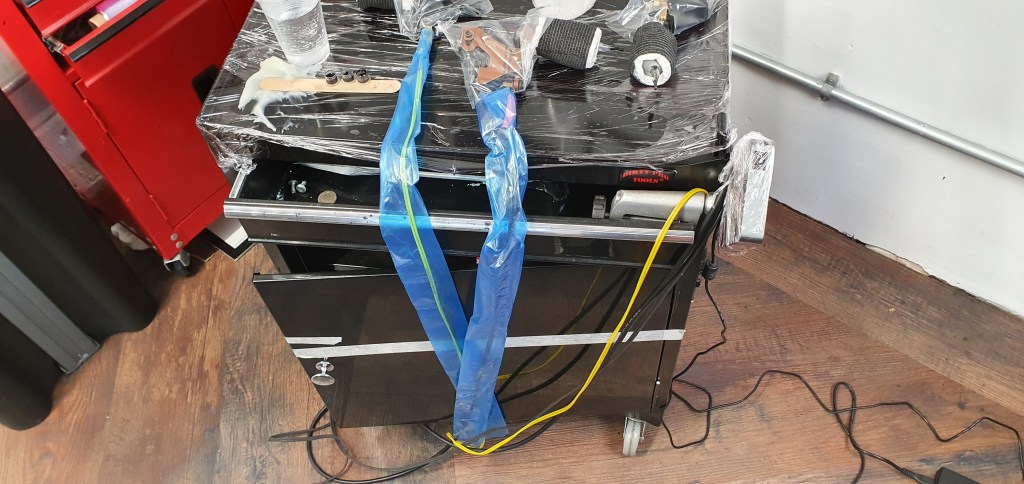
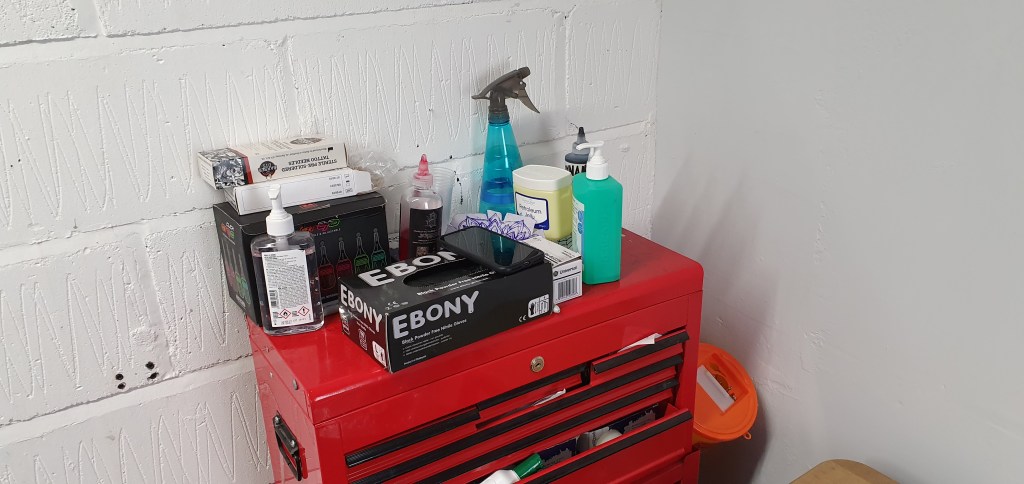
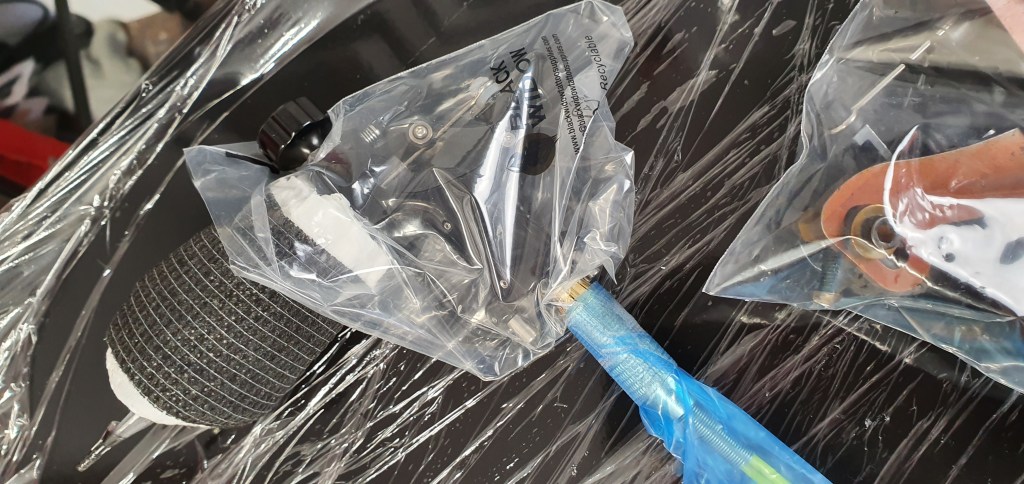
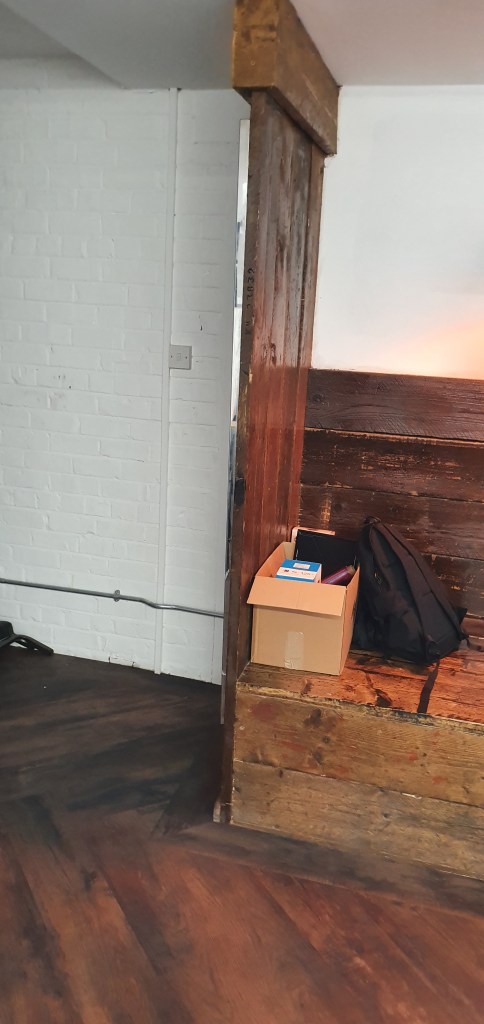
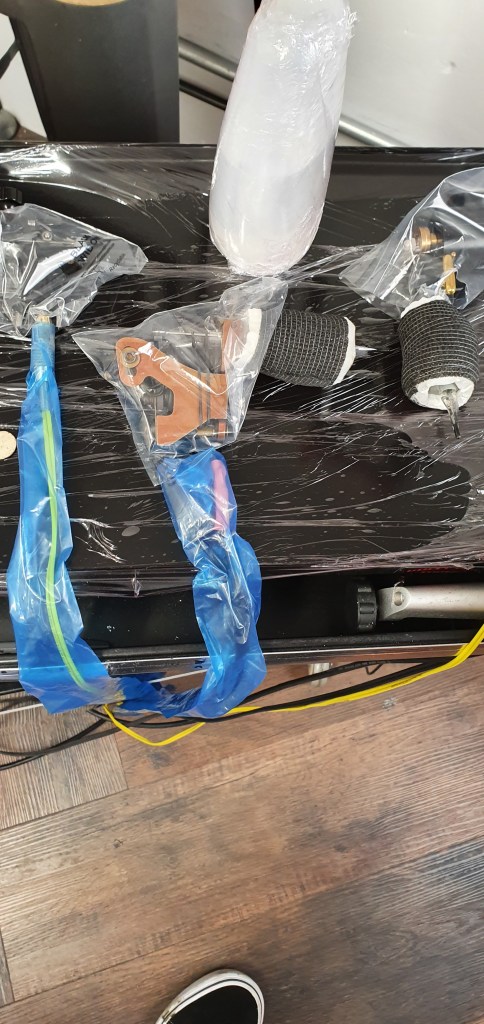
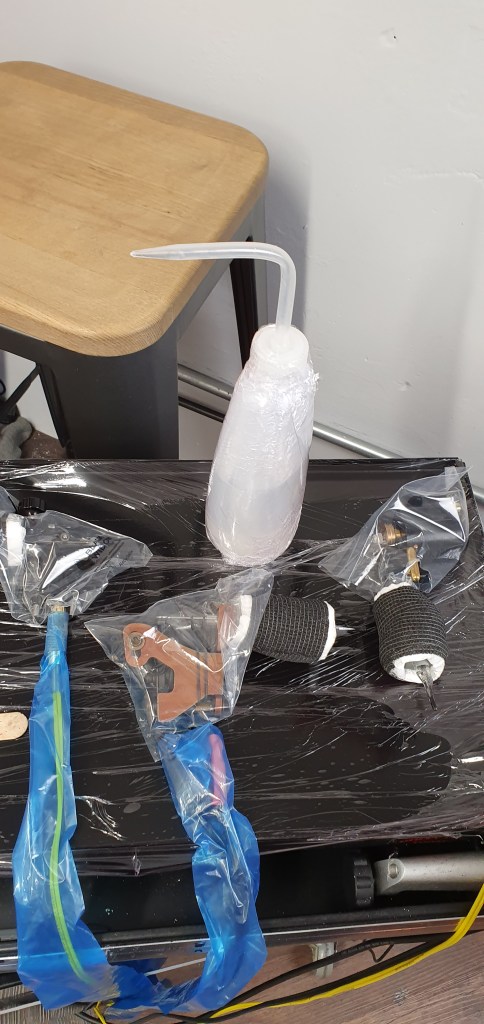
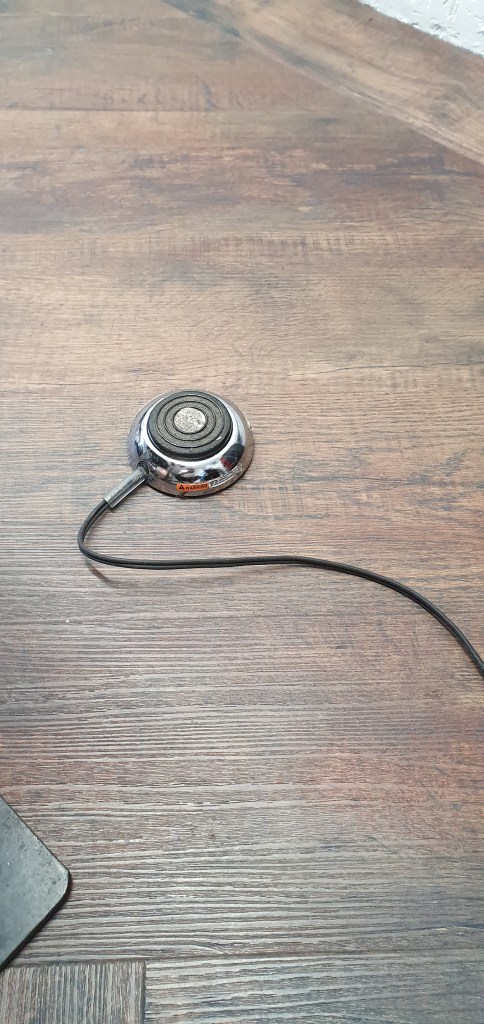
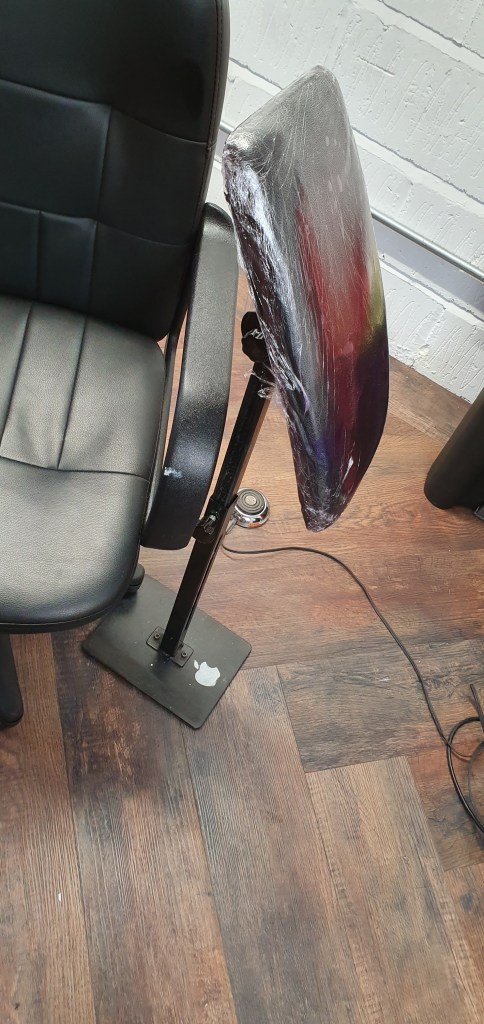
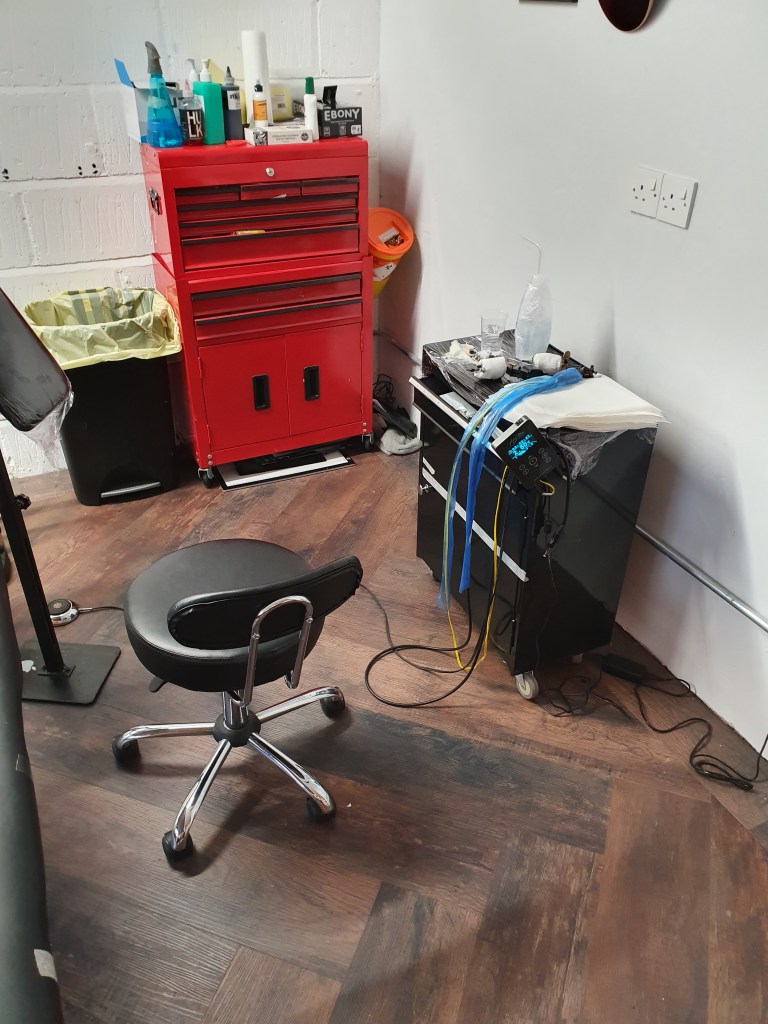
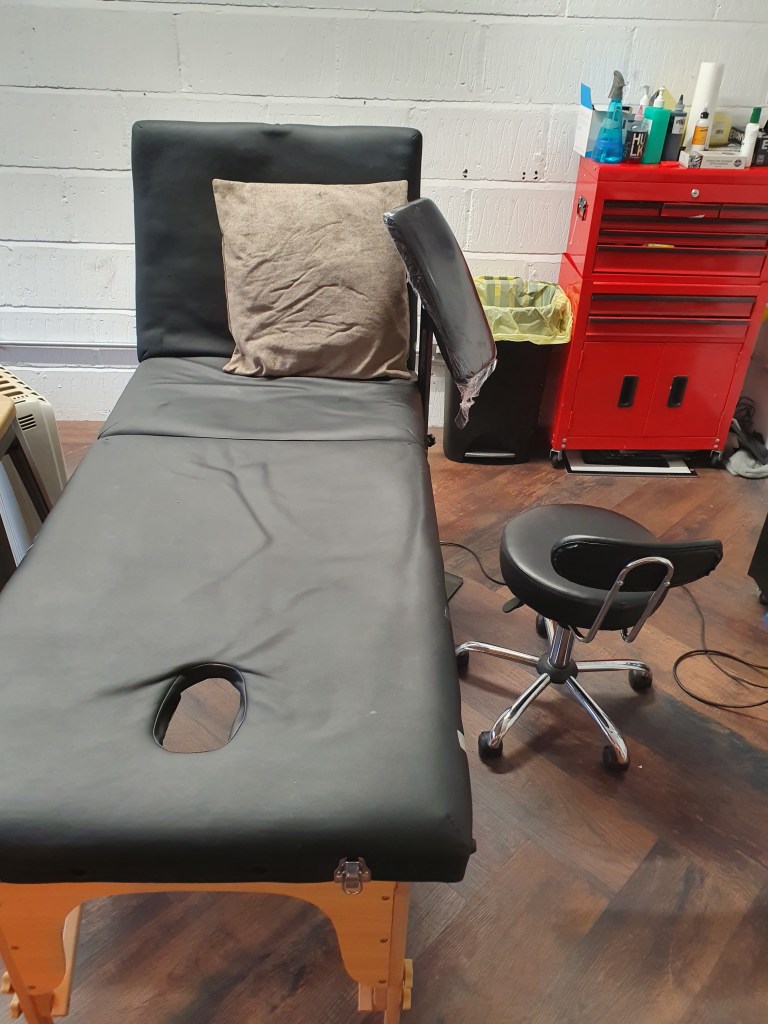
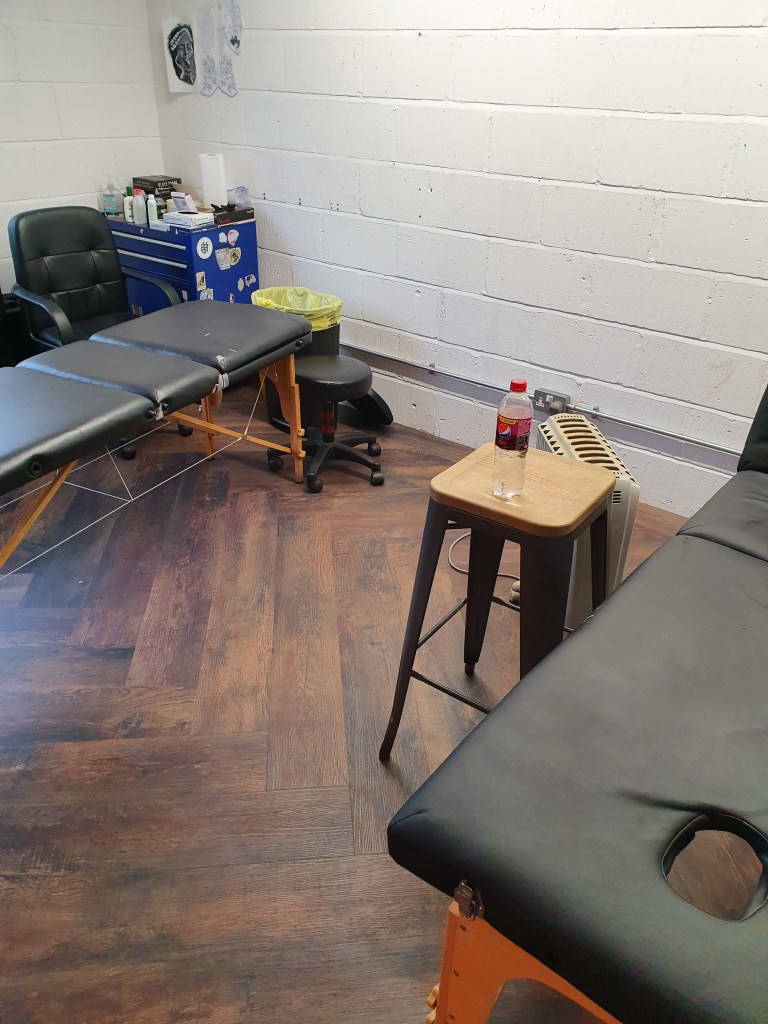
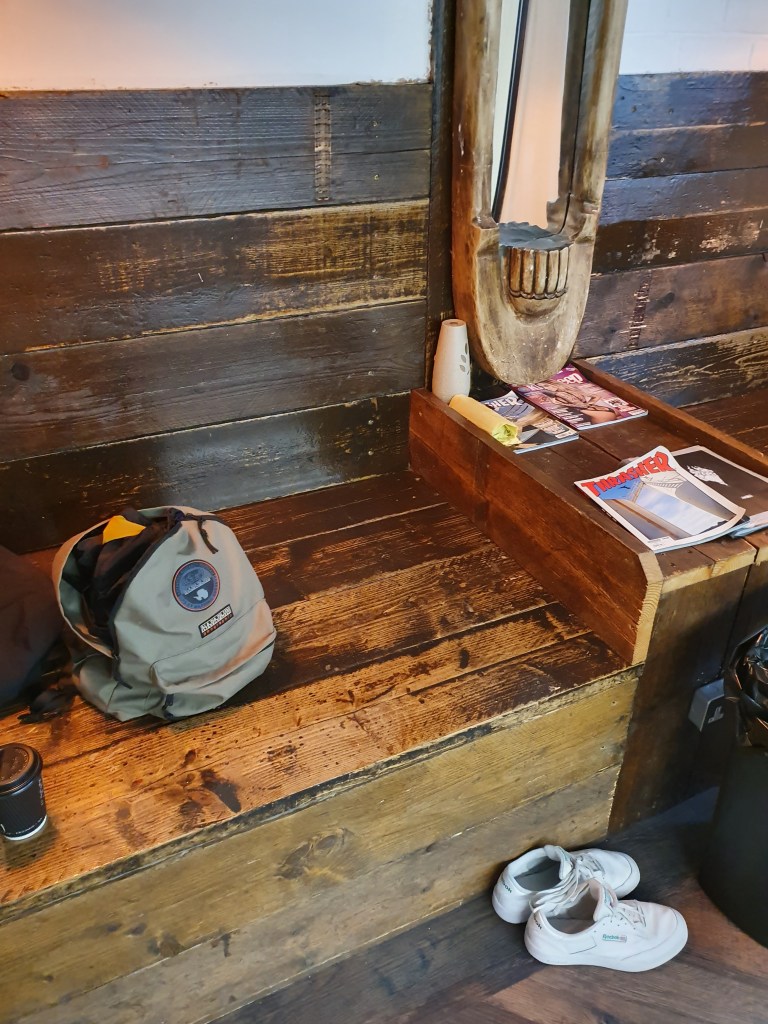
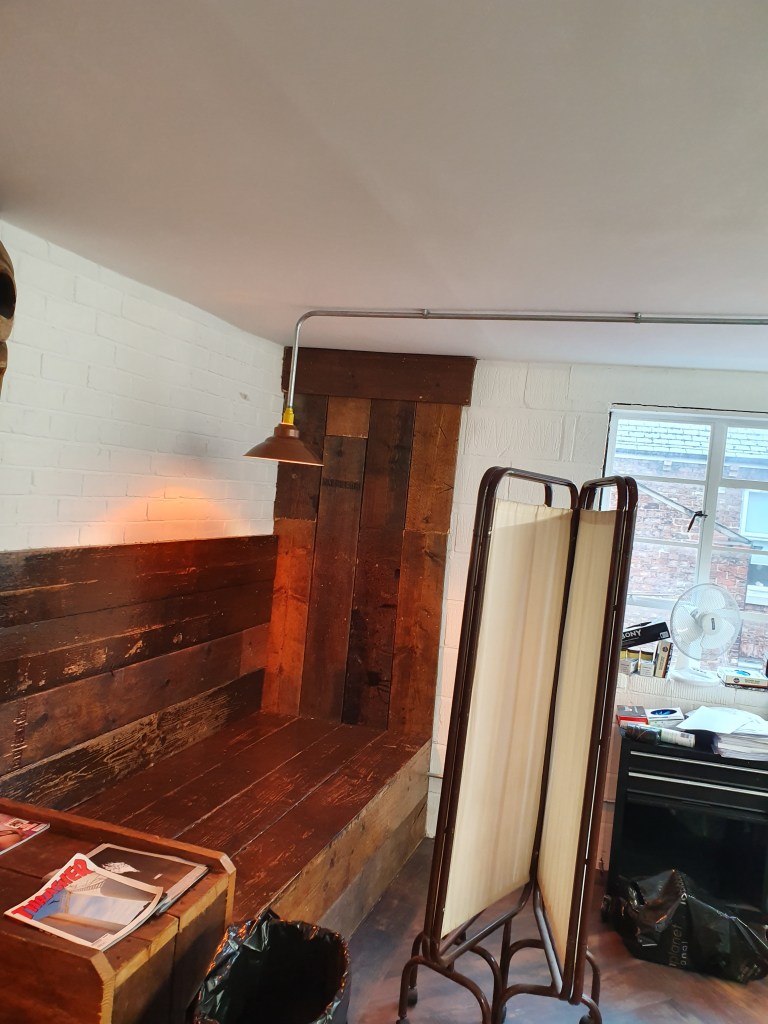
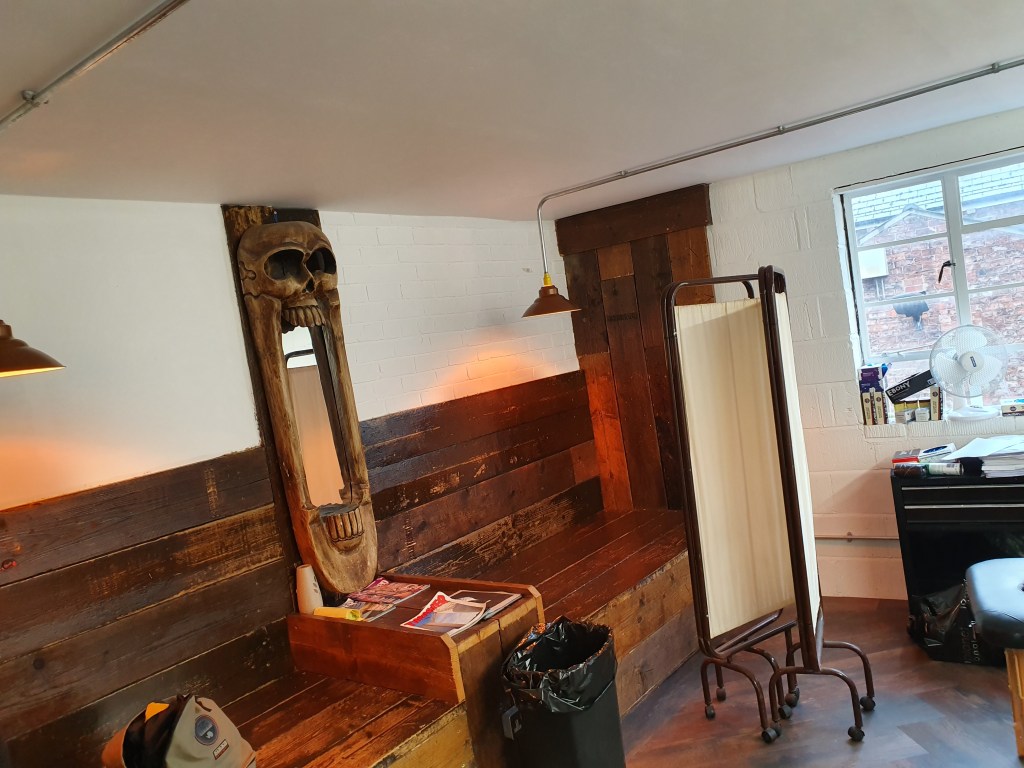
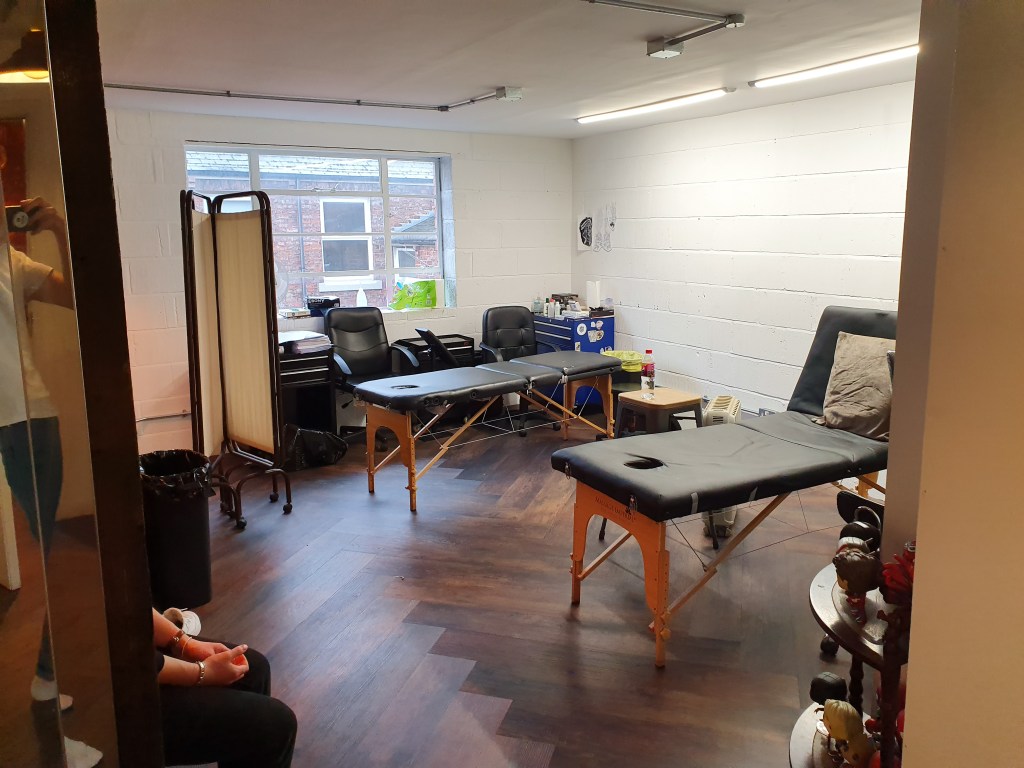
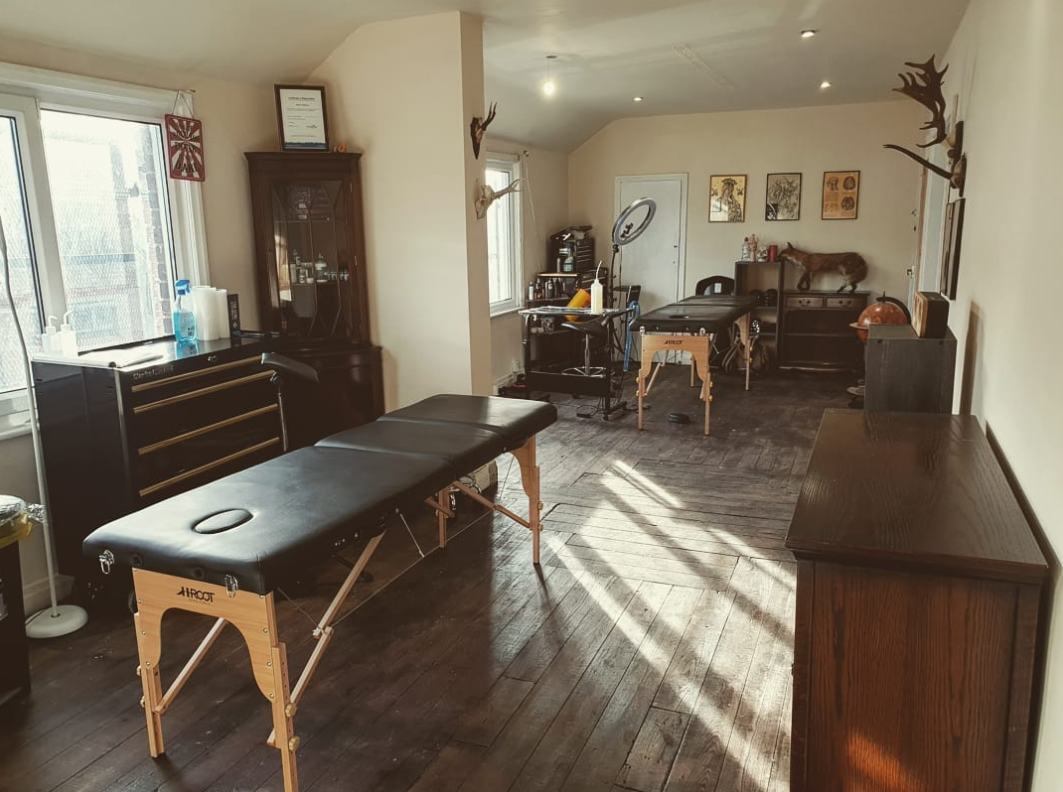
Below is a collection of photographs I took last time I was being tattoo’d. These photos are going to act as the main references for my environment.

Modelling

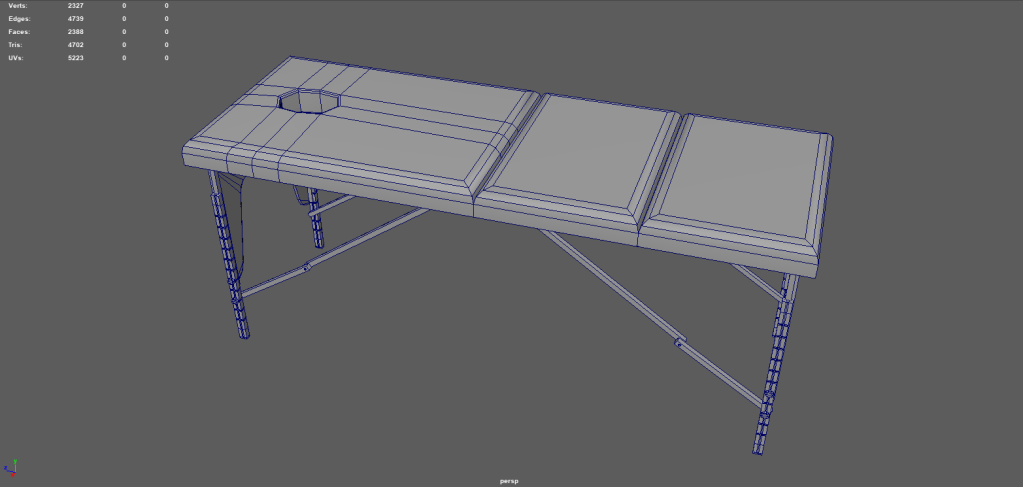
Based on the reference images I have made a start on modelling assets required for my scene. The asset I have made progress with this week is the ‘Massage Table’. It still requires more work before the modelling will be finished but a decent start has been made.

Drawing

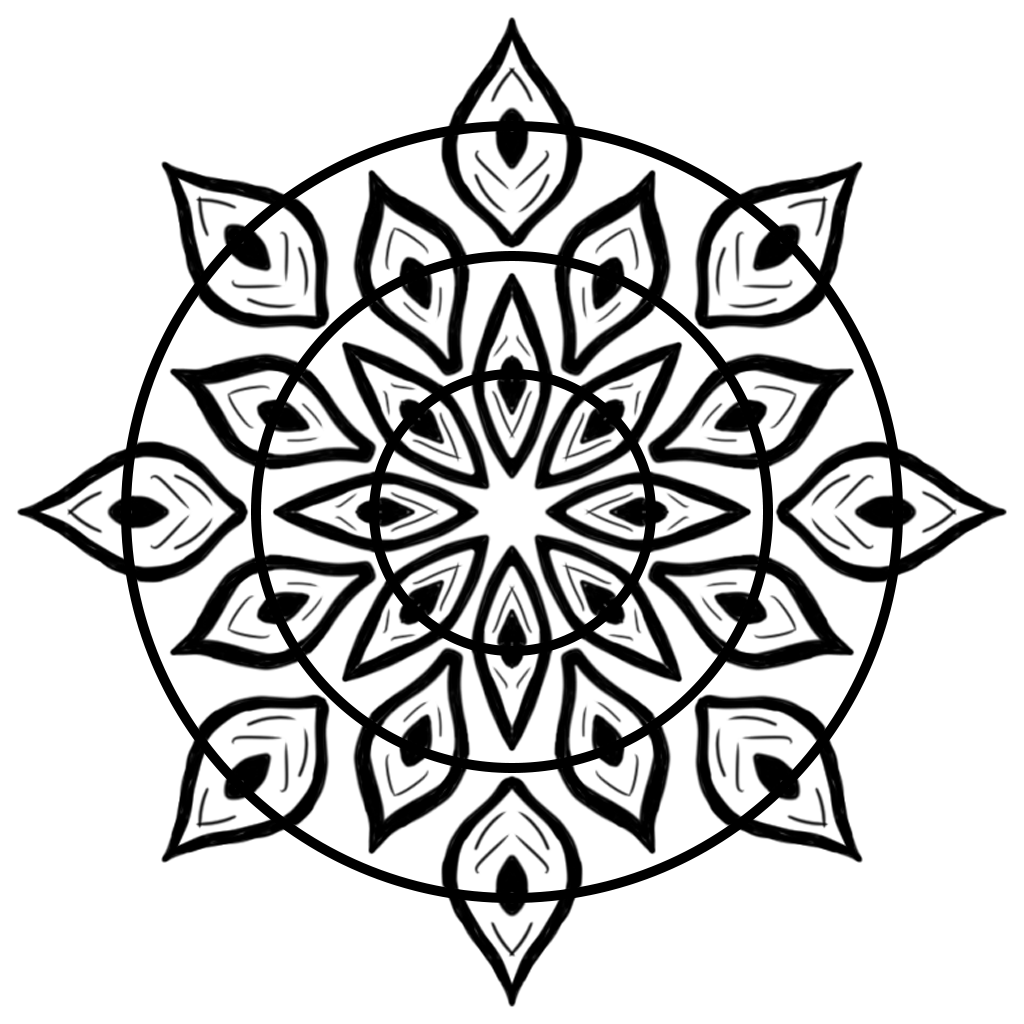
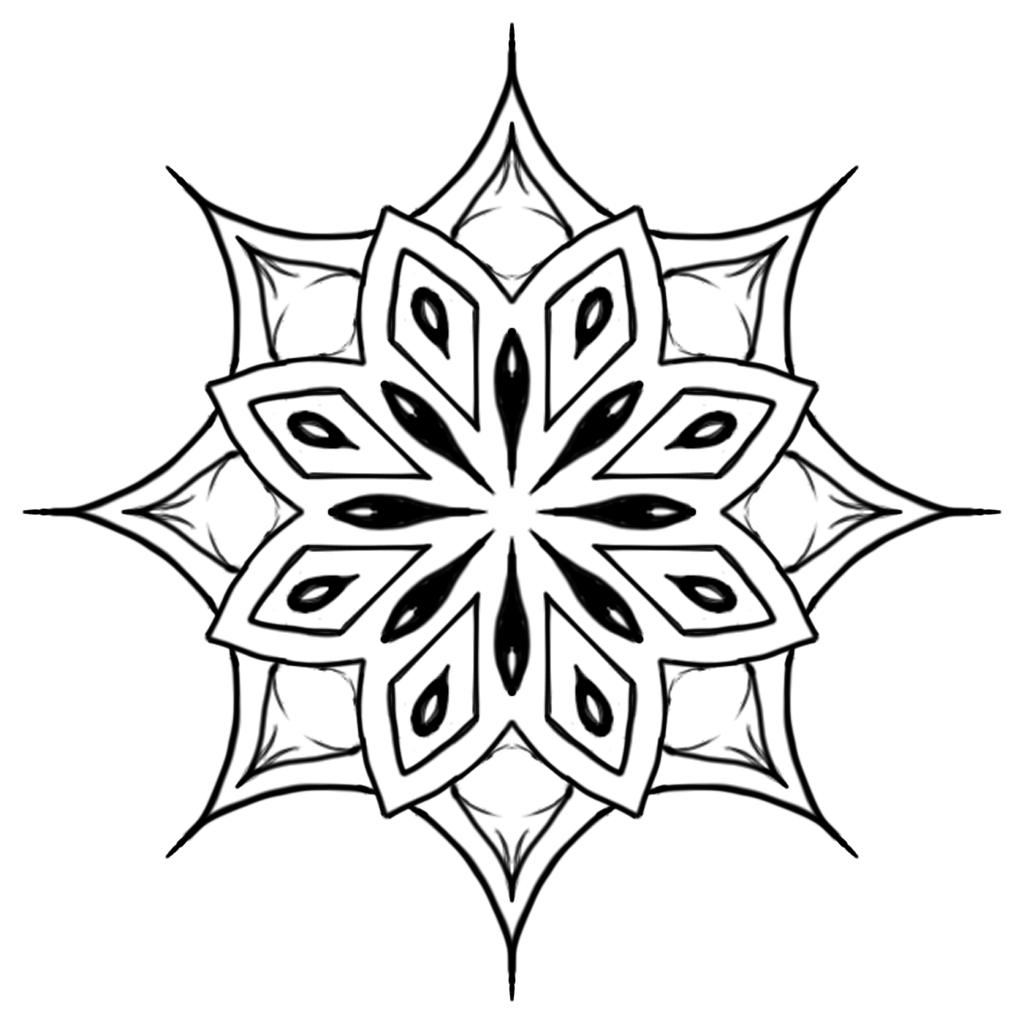
It is common place for tattoo studios to have their walls covered in artwork known as ‘flash’. In order to make my environment feel like a realistic tattoo studio I plan on recreating this in my environment. Providing I have time I would like all of the 2D artwork to be my own. This week I produced two Mandala Tattoo design which may feature in my final environment as ‘flash’. The purpose of producing artwork so early on in the production of my environment was mainly as a test to see if producing my own designs is a viable option.

Design a site like this with WordPress.com
Get started