Blockout
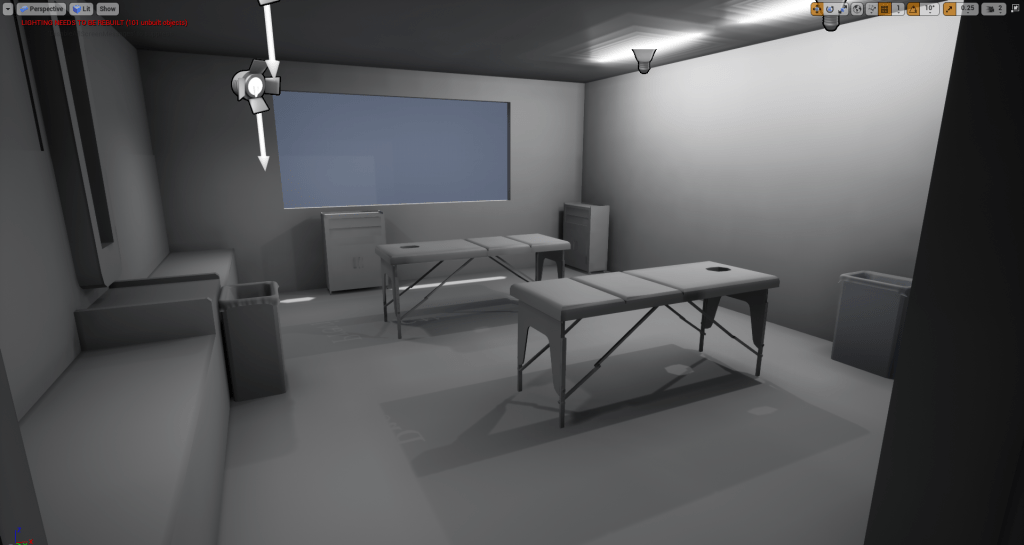
This week I have began the initial steps of production for my environment. This started with me producing a basic blockout of my environment in Unreal Engine. I also placed some placeholder lighting into the scene to get an idea of how the environment could look when lit. I based the lighting off of the reference photos I took.
Asset List
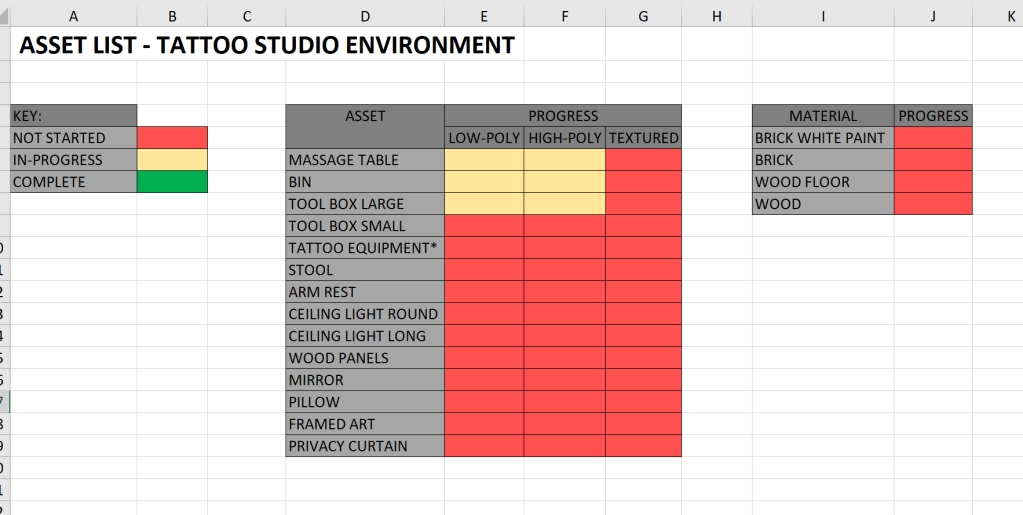
This past week I have also started an asset list to help me plan and manage my work throughout the project. I will continue to update the list when I think of other assets to add to my environment.
Modelling
This past week I also began modelling some of the assets required for my environment. The two assets I have made progress with are the ‘Tool Box’ and ‘Bin’. In order to get the dimensions right for the tool box I looked online for any sellers off the box that also included the dimensions. Unfortunately I was not able to find the exact tool box that is shown in my reference images but was able to find one extremely similar so used the dimensions off that one instead.
Bin 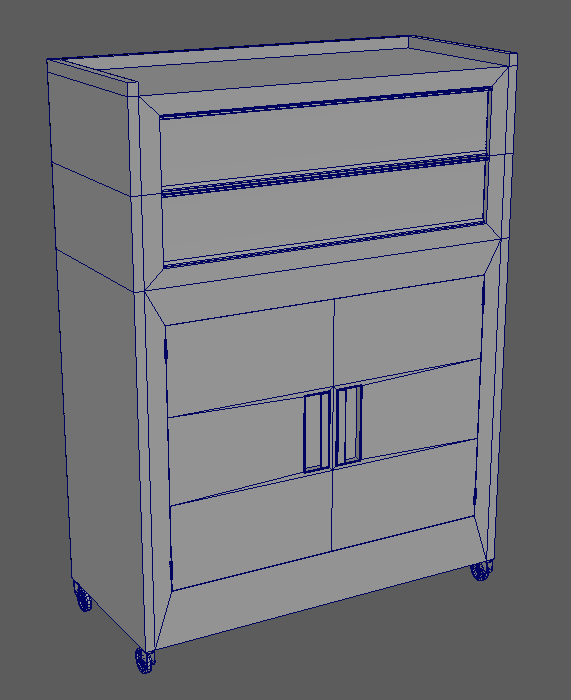
Tool Box
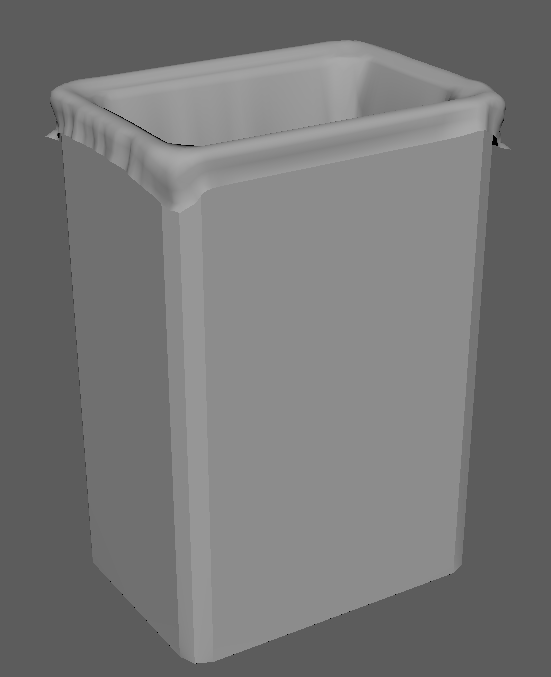
In preparation for modelling the bin liner I had done research into ncloth in Maya. I used ncloth to create a basic version of the liner which I then further refined using Zbrush. The reason I used ncloth was to try and get a realistic simulation of where the folds and creases would appear. Unfortunately there was no base preset identical to that of a bin liner, so instead I used the t-shirt preset.
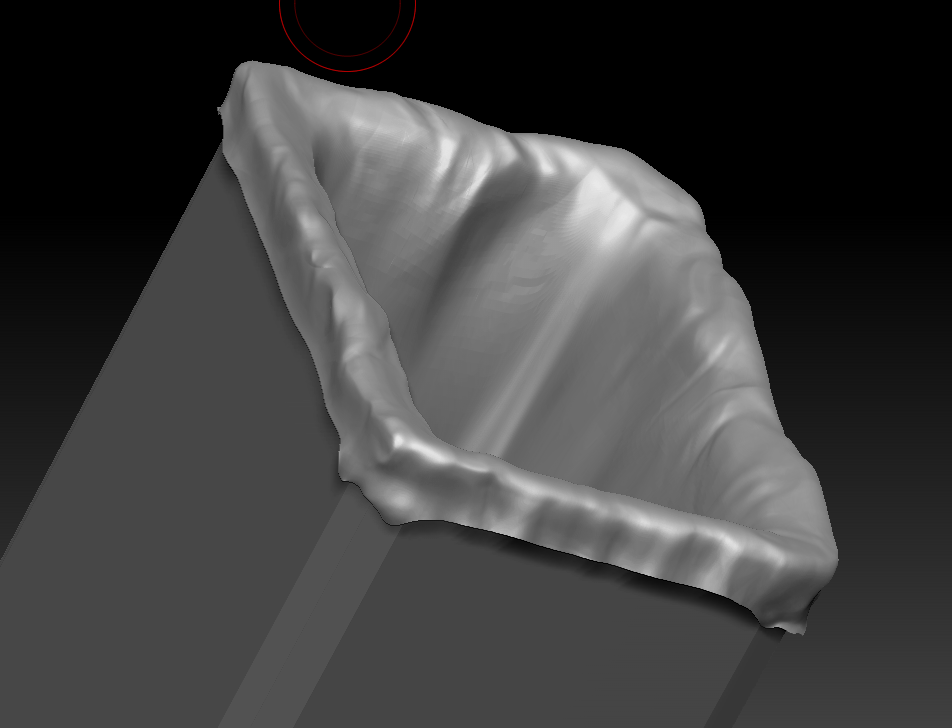
I took the bin liner mesh from Maya into Zbrush and started sculpting in more realistic folds and creases. Further work is needed before the sculpting is finished.
 Games Art Project